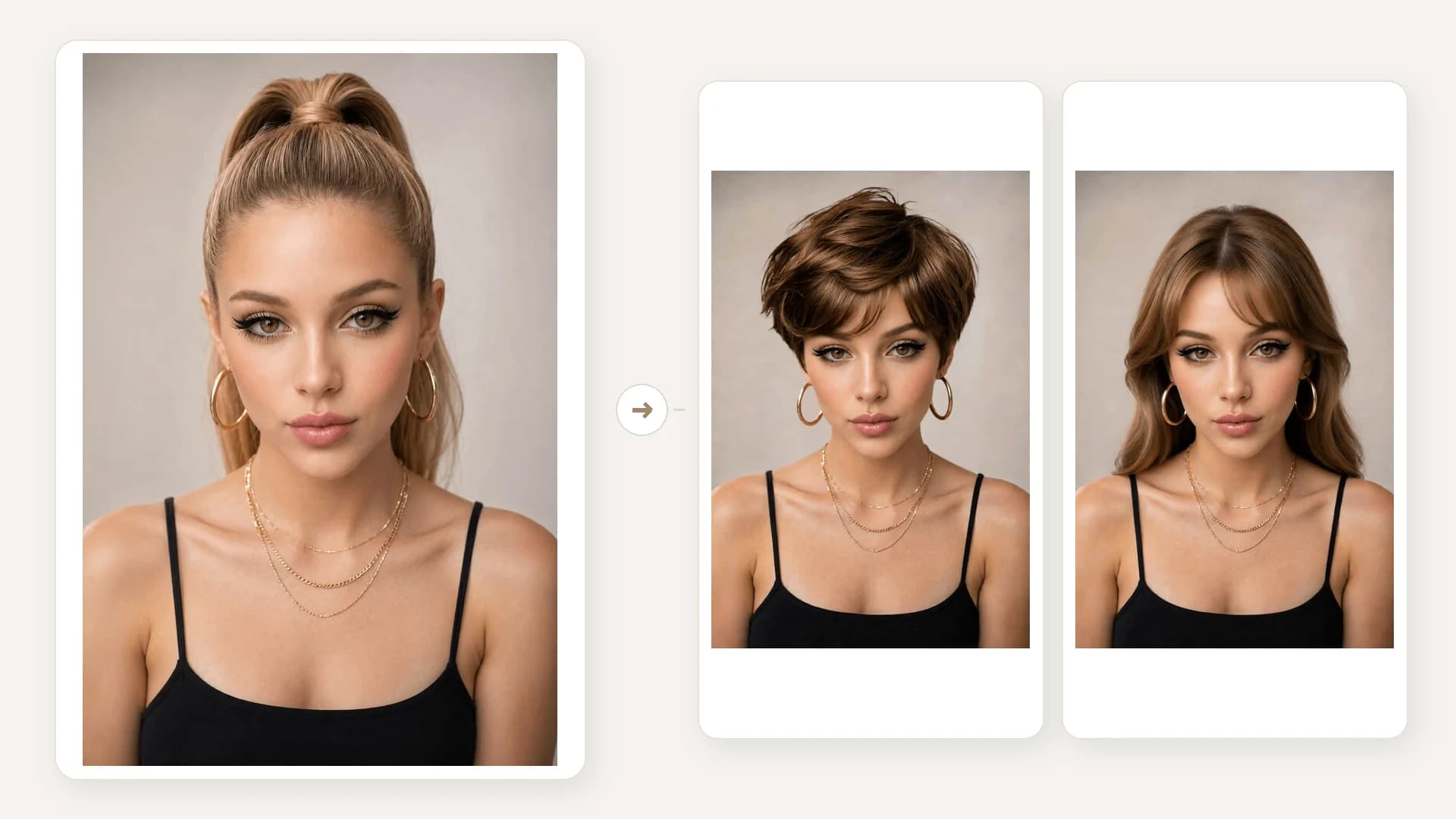
Choose a portrait
Use a clear image with one fully clothed adult.

무료 생성 10회는 매일 초기화되며 실패 시 자동 반환됩니다.
fat filter · body shape variation · fuller silhouette preview
인물, 의상, 포즈, 배경의 인상을 유지한 채 옷을 입은 사진에서 더 풍성한 전체 실루엣을 살펴볼 수 있습니다.
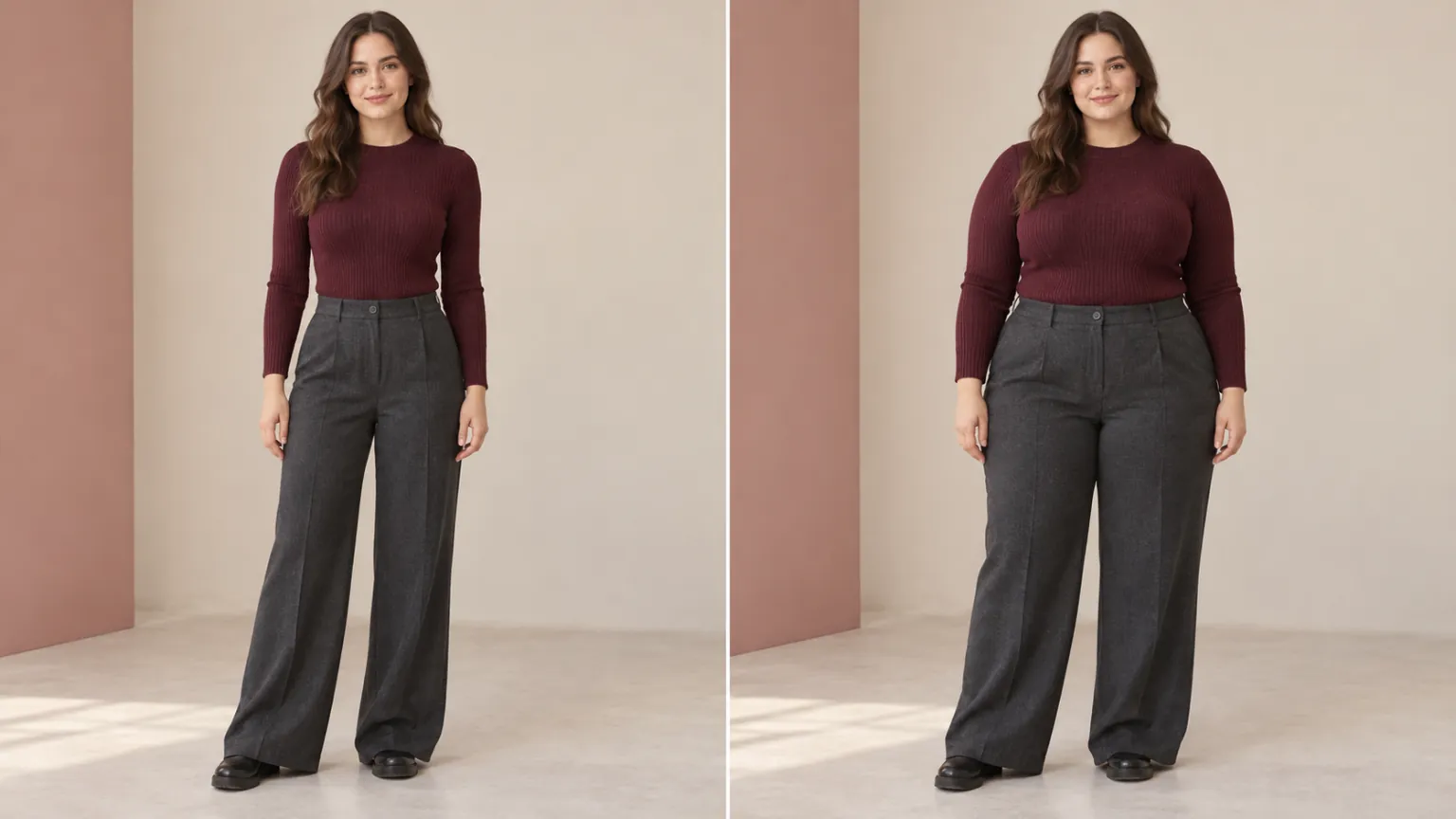 1 / 4
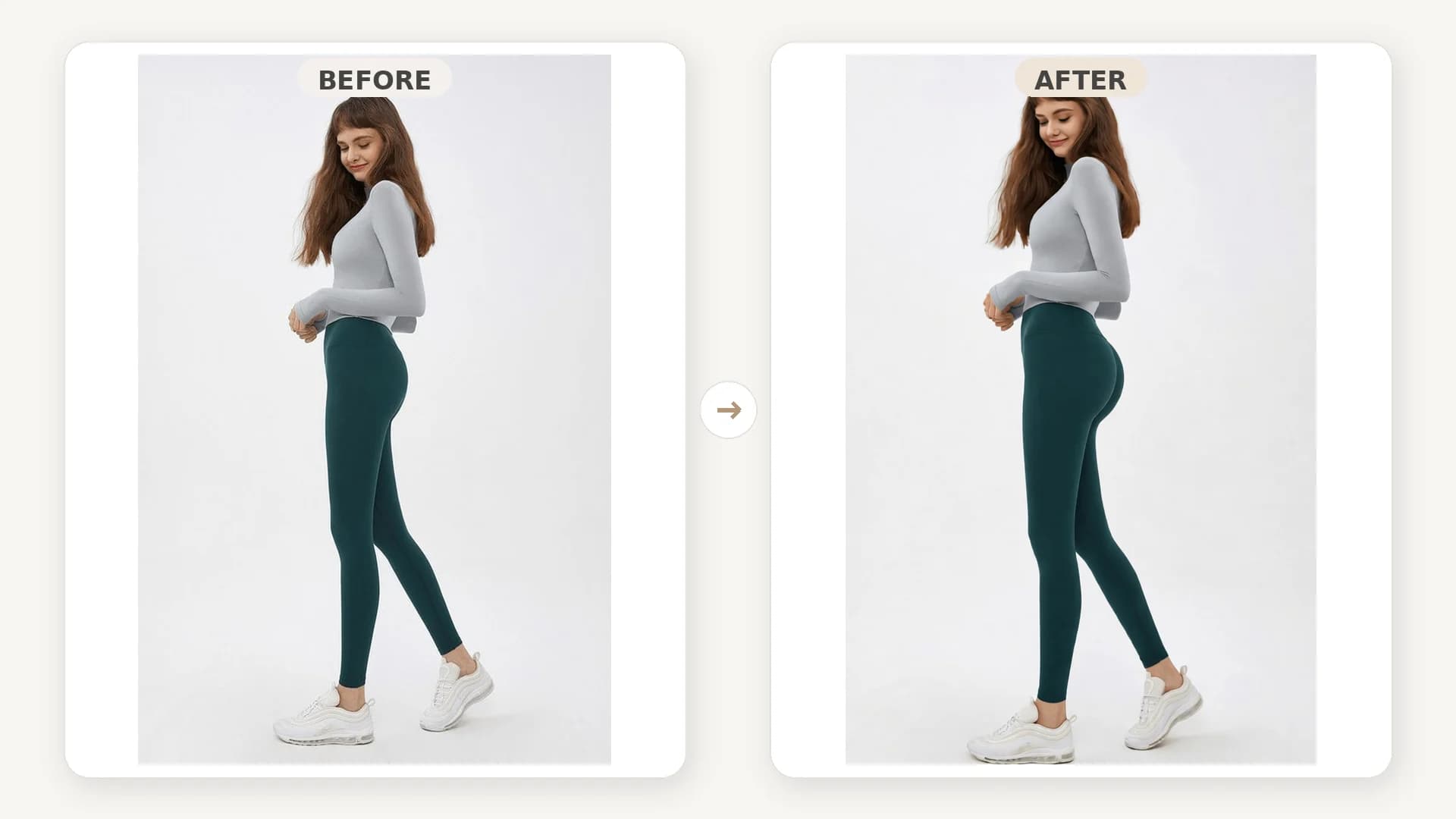
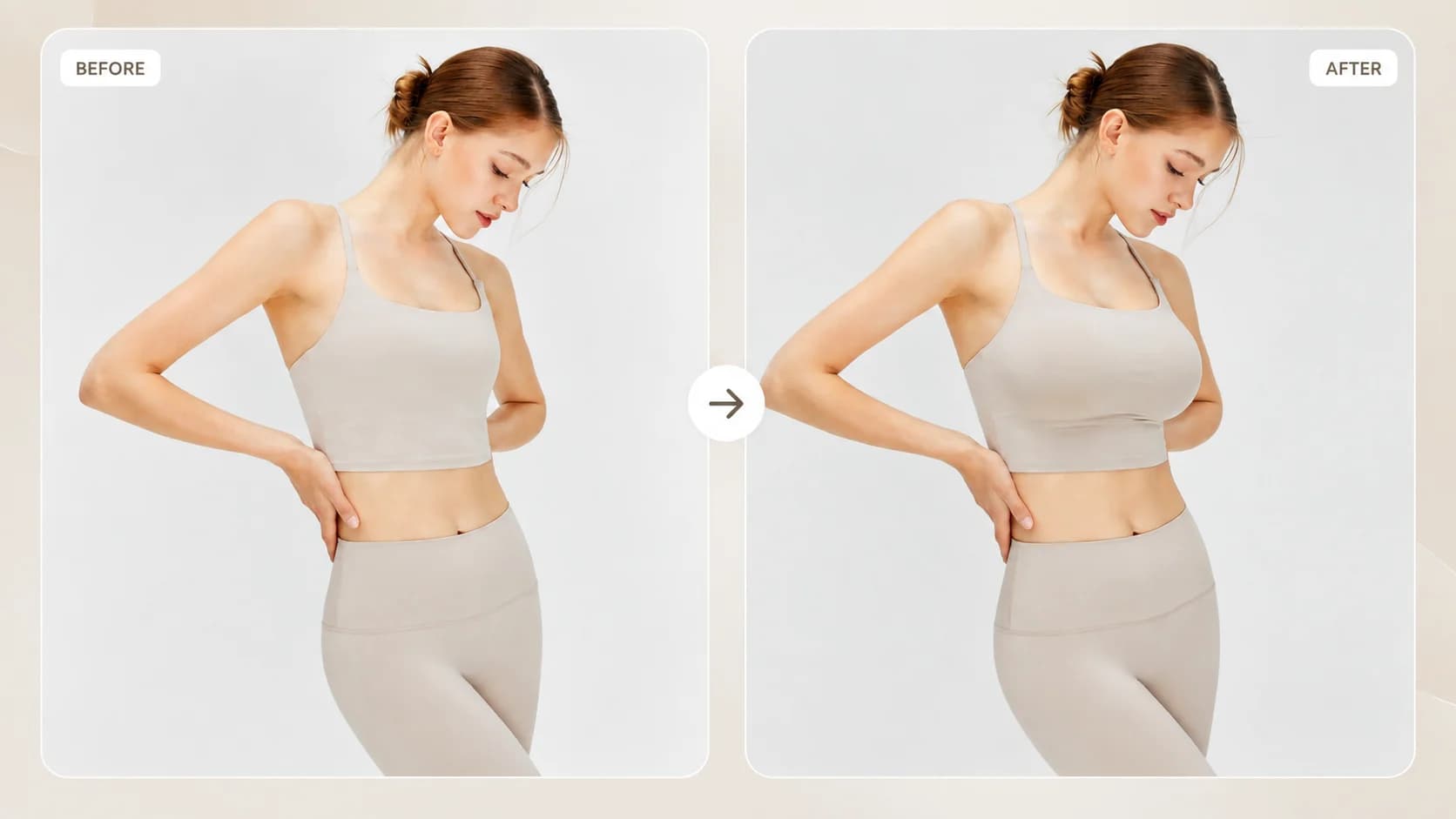
1 / 4Explore a fuller overall silhouette in a fully clothed portrait while preserving the person, outfit, pose and setting.
01Choose a portrait
Use a clear image with one fully clothed adult.
02Generate a variation
The editor creates a fuller overall silhouette while retaining the scene.
03Compare the result
Review the visual change beside the source image and save the version you prefer.
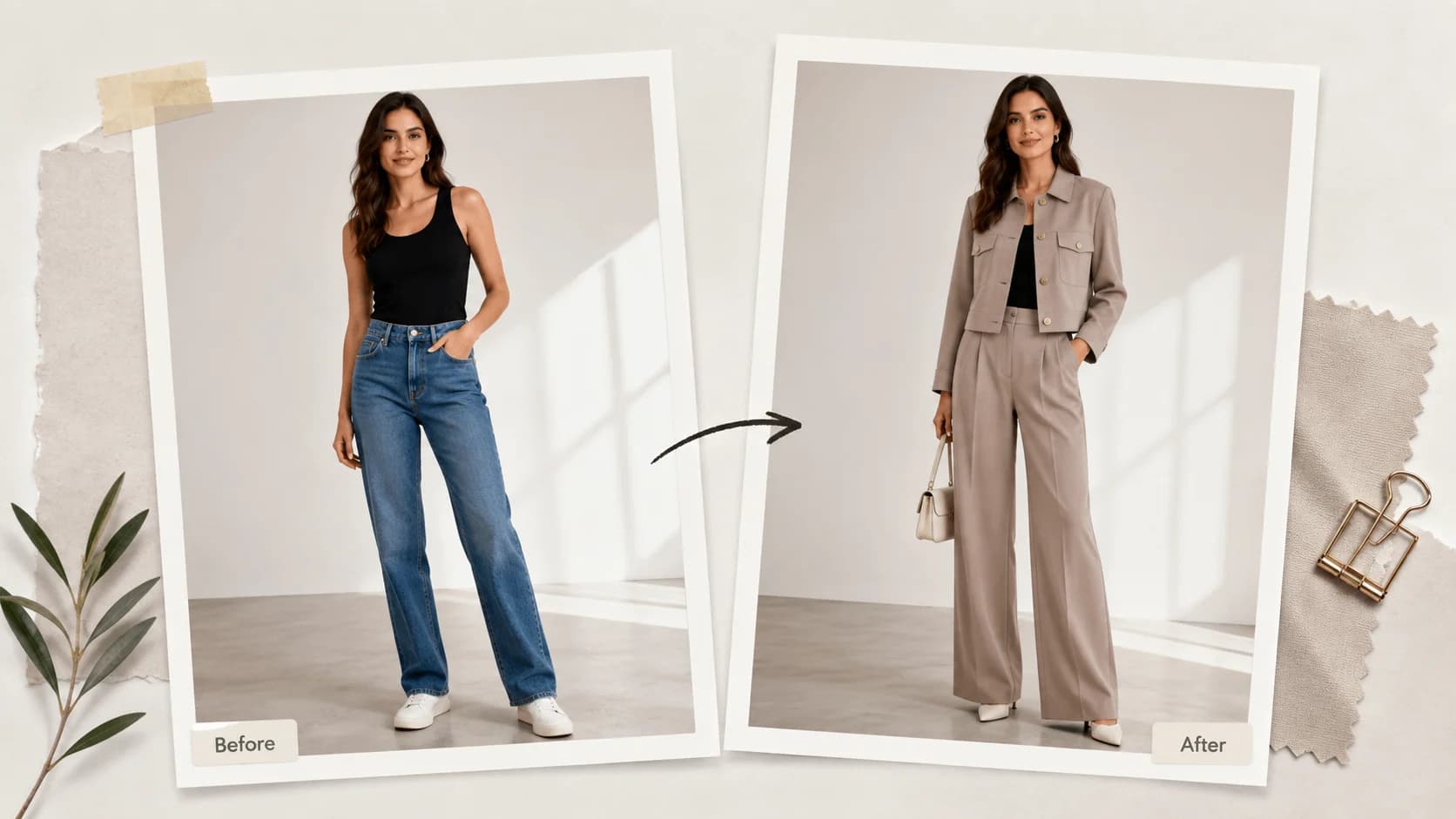
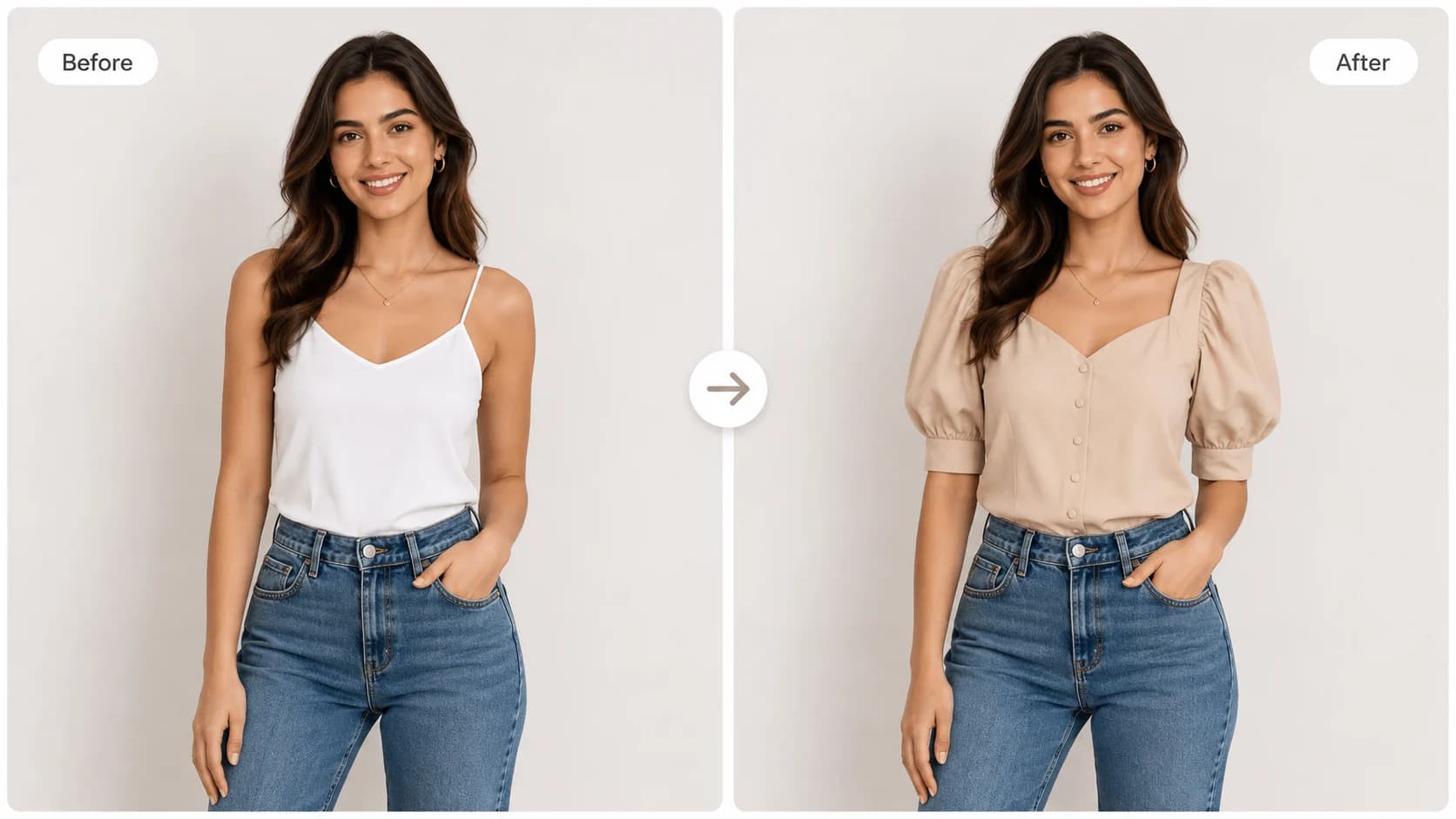
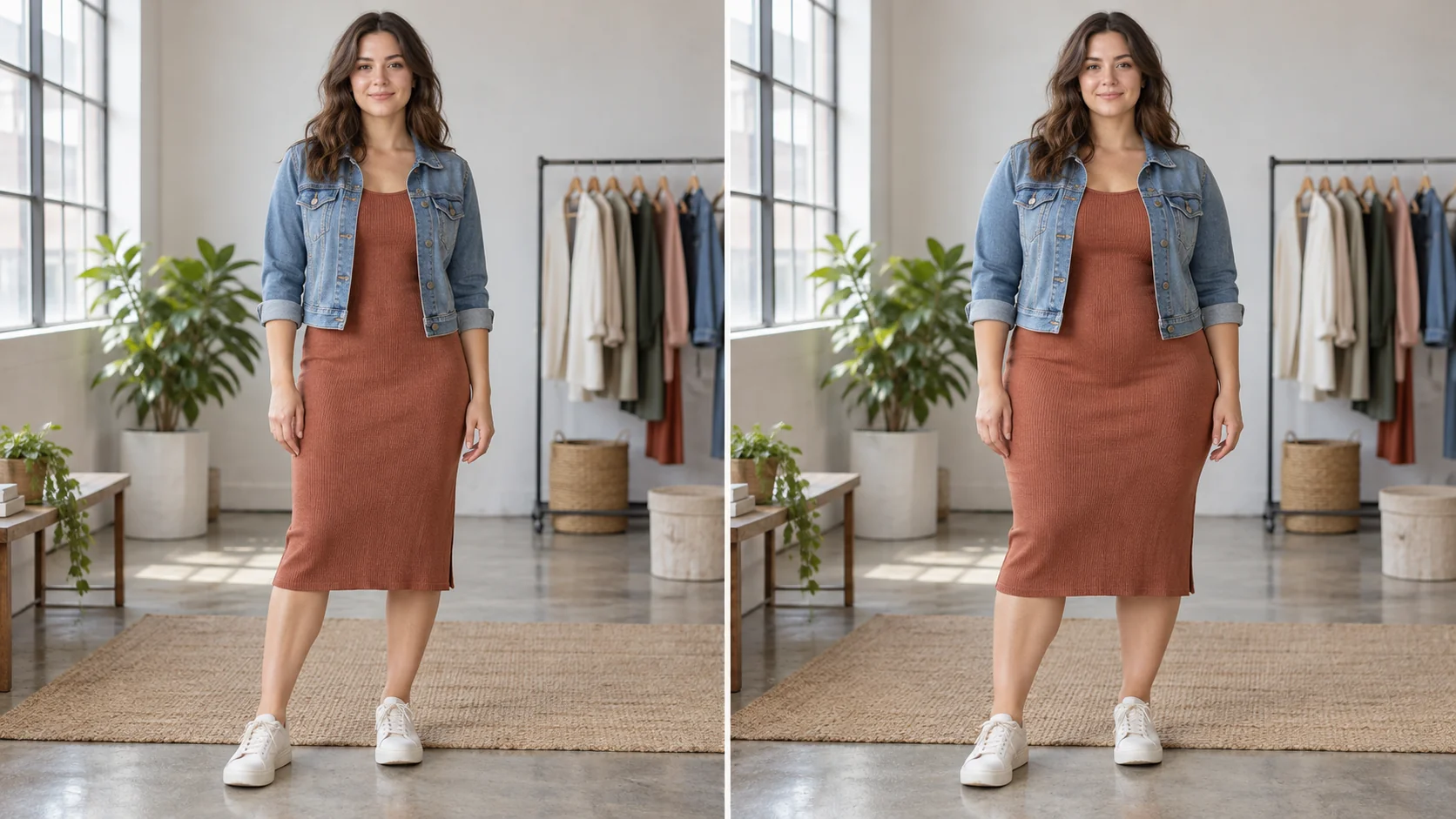
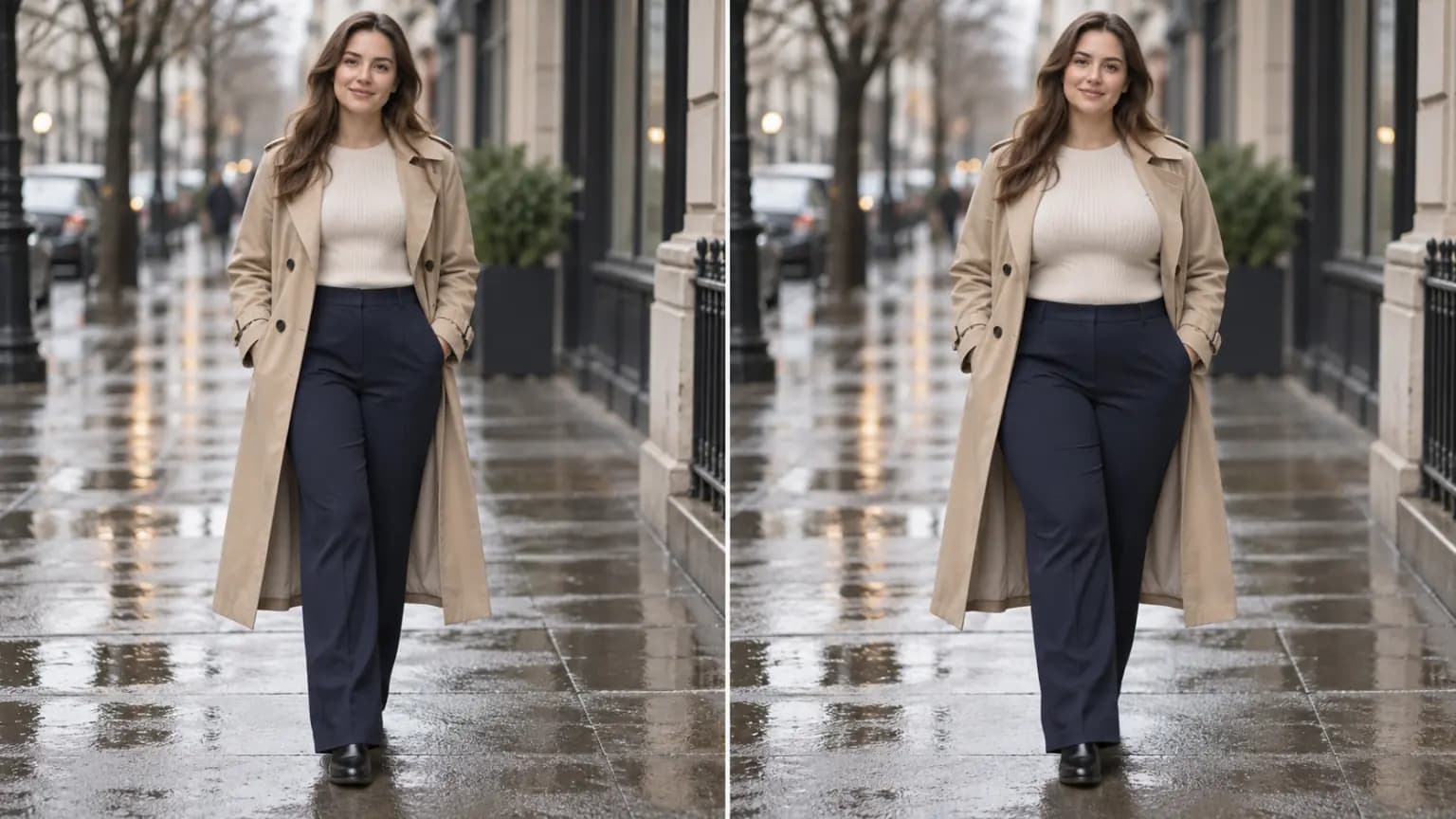
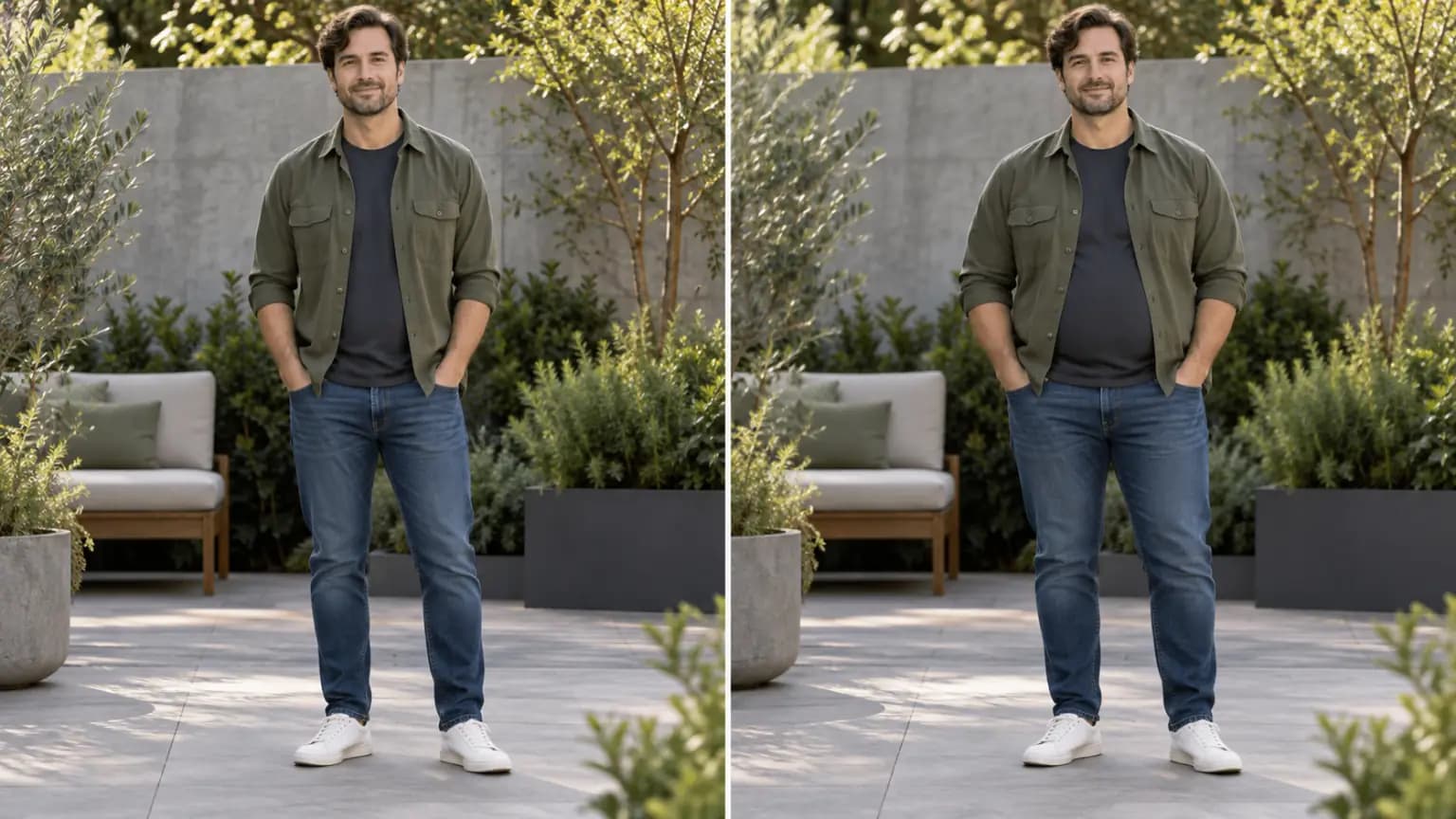
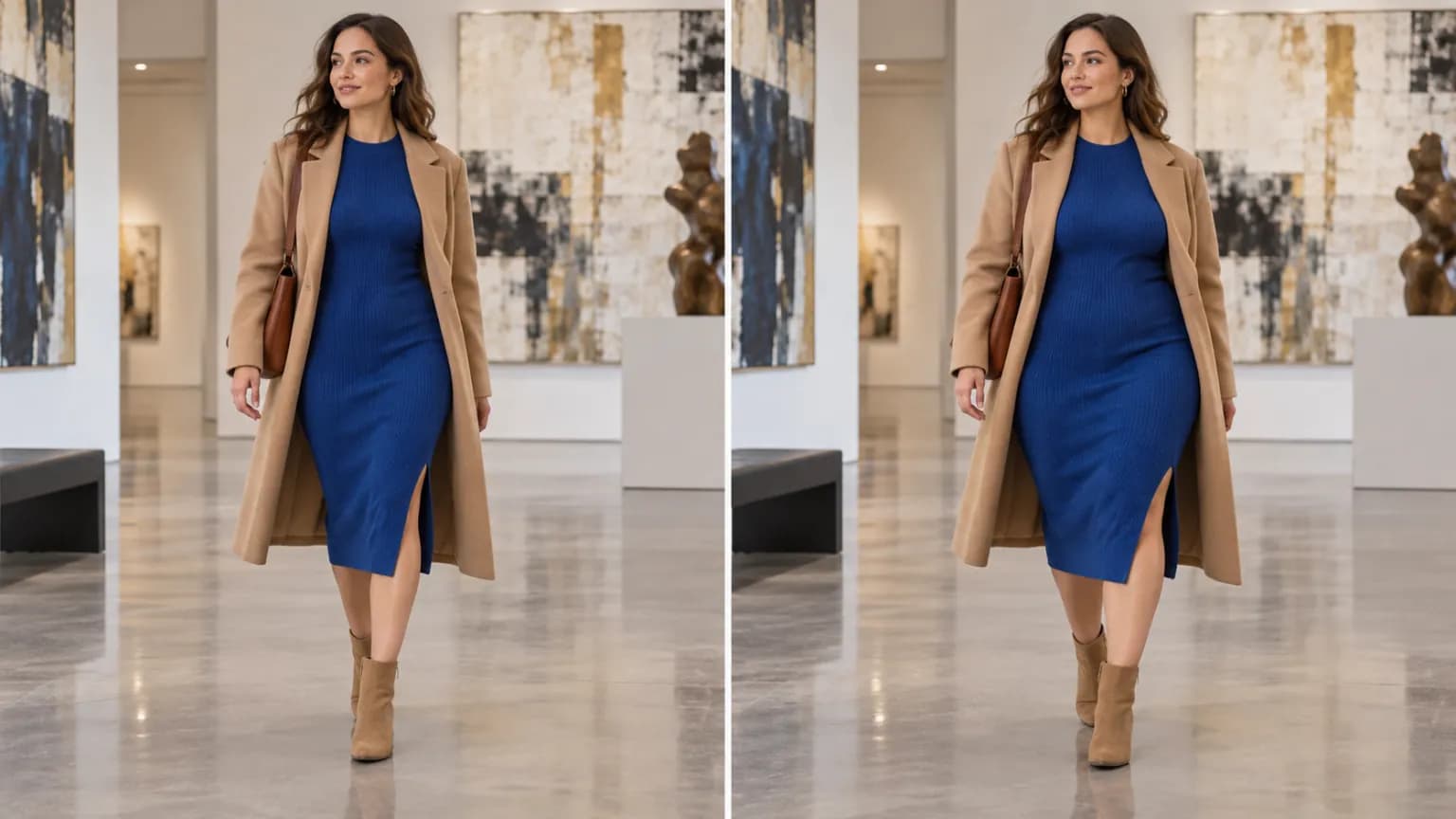
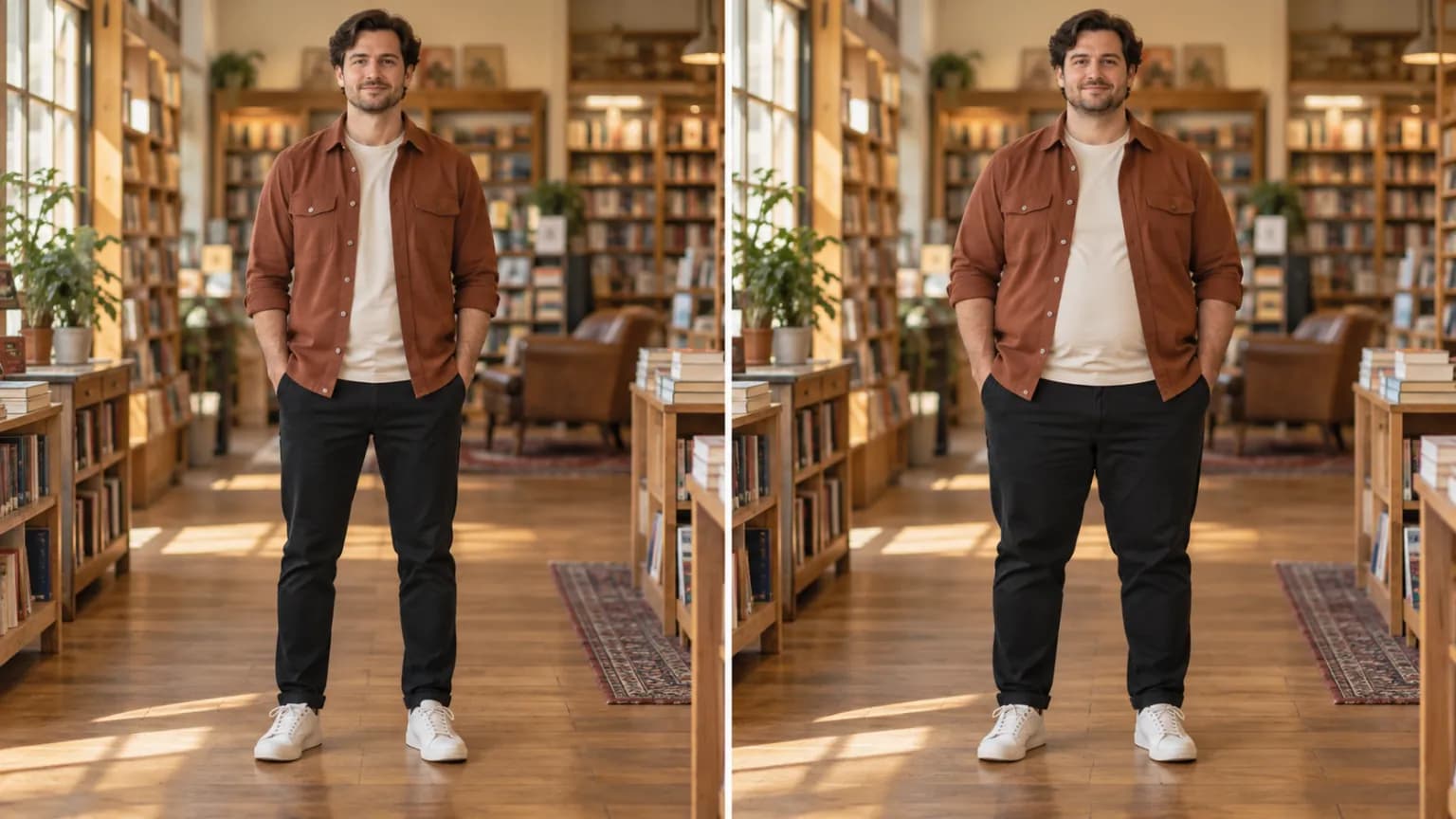
Each example keeps the same person, clothing and scene in view so the visual change is easy to compare.
HOW IT WORKS
The editor turns one fully clothed portrait into a comparable visual variation.
Use a clear image with one fully clothed adult.
The editor creates a fuller overall silhouette while retaining the scene.
Review the visual change beside the source image and save the version you prefer.
01
A useful Fat Filter comparison starts from the same person, clothing, pose and location. With those visual anchors intact, the fuller body-shape preview is easier to read as one controlled image variation. You can focus on the change in overall silhouette while still recognising the original portrait, its styling and its composition.
02
A fuller silhouette can change how a coat falls at the waist, how a shirt follows the torso and how trousers read through the hip and leg line. Seeing the body-shape variation inside the original outfit and scene gives the image more context than a cropped comparison. It is useful for creative styling references, visual storytelling and photo concepts.
03
Fat Filter produces a generated image variation for visual exploration. It does not measure body proportions, describe a person’s health or predict a real-world outcome. Lighting, camera angle, fabric, pose and the source image all influence the generated preview, so treat each result as a creative reference within that individual photograph.
04
For a more legible fuller-body preview, choose one adult subject with stable lighting, a visible outline and clothing that is not heavily obscured. A full or three-quarter portrait usually provides more context for the editor to preserve the outfit, posture and background. Clear source information helps the comparison remain visually coherent from the original image to the result.
제품 보기
FAQ
It creates a fuller body-shape variation from one fully clothed portrait while retaining the visual context of the original image.
Use one clear, fully clothed adult in stable lighting, with the person’s outline visible and unobstructed.
No. It is a creative image variation and should not be used as a measurement, health assessment or real-world prediction.
Fat Filter is designed for an overall fuller-silhouette variation. The generated image considers the visible body shape in the context of the portrait, clothing and pose, rather than treating the result as a measurement of one body area.
For the clearest comparison, use a photo with one fully clothed adult. A single-person portrait gives the editor a more consistent subject, outline and outfit context than a group photo.
The editor aims to preserve the person, clothing, pose and surrounding scene from the source image. Generated results can still vary with the camera angle, lighting, fabric details and clarity of the original photo.
Each source portrait has different lighting, posture, cropping, clothing and visual detail. Those factors affect how the fuller body-shape direction is interpreted, so a second clear source photo can create a different but still useful visual variation.
Use it as a creative reference for photo concepts, styling exploration, visual storytelling or an image comparison. It is intended for image editing and should not be treated as evidence about a person’s real body or health.