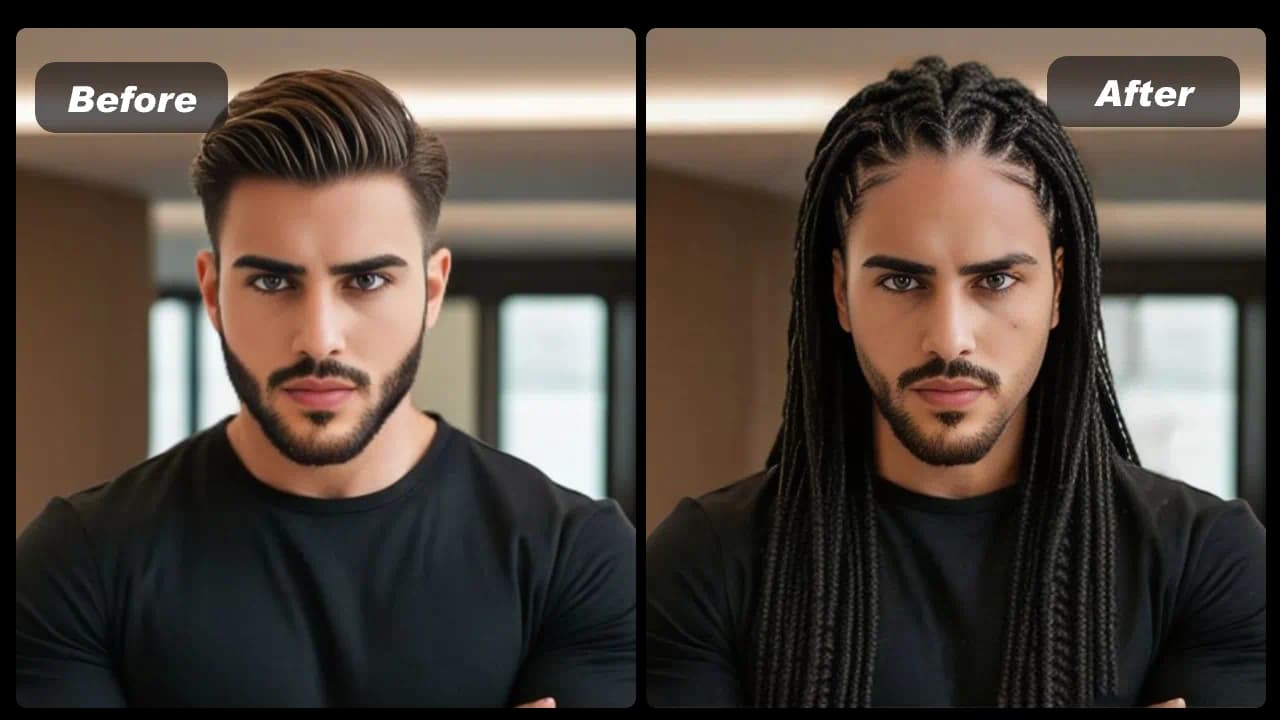
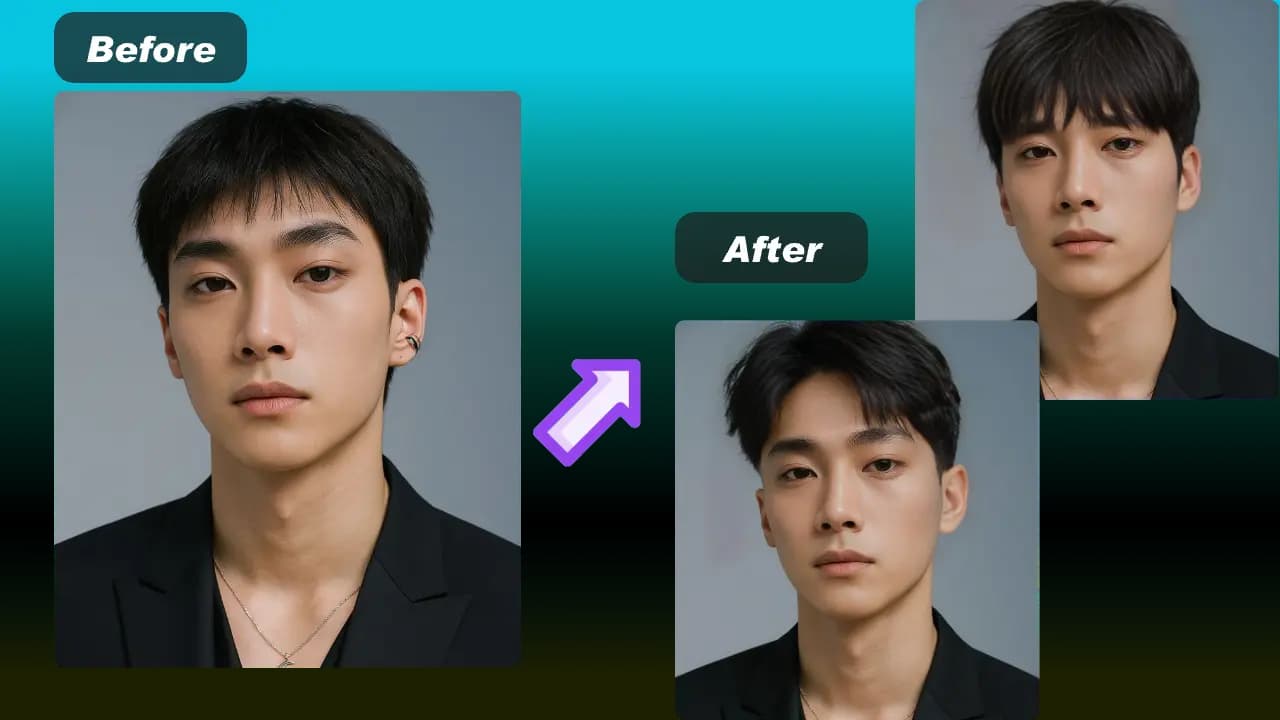
Upload two portraits
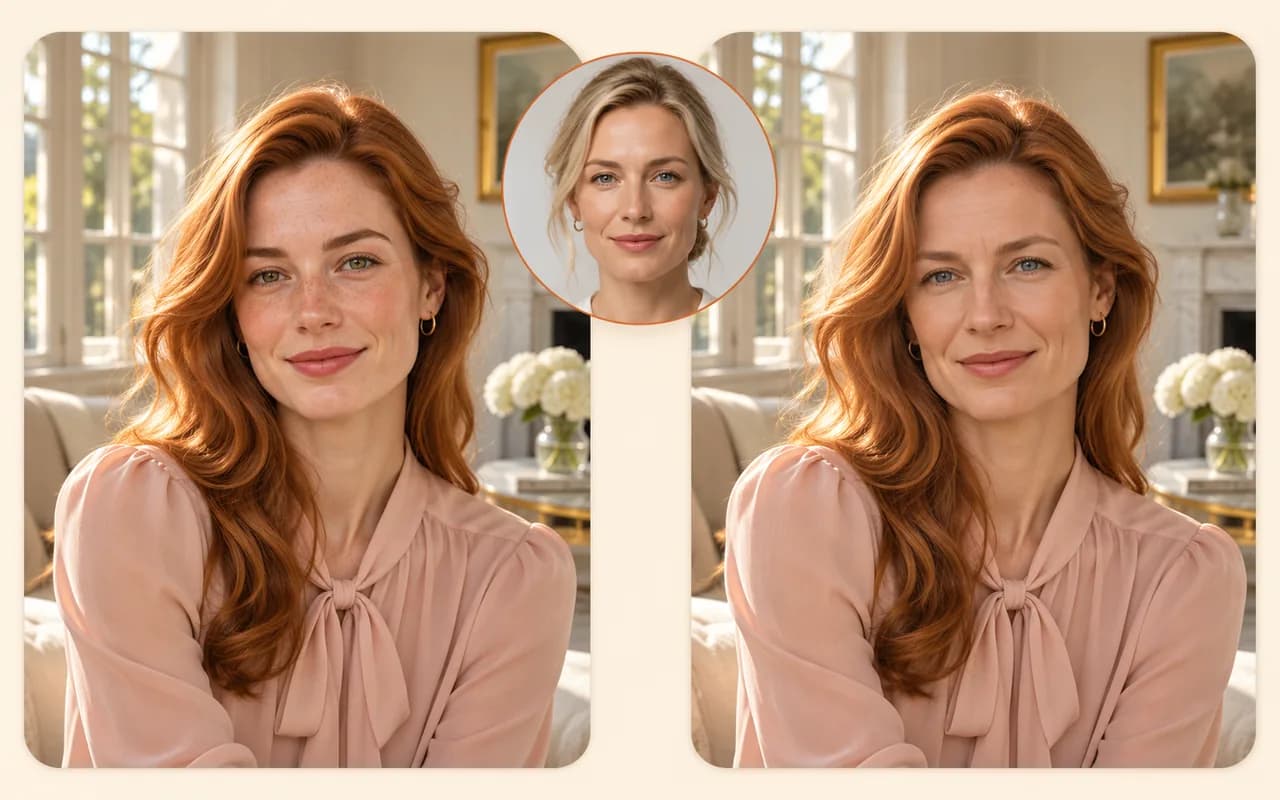
Choose a target photo and a separate reference face.
Your 10 free creations reset each day. If a generation fails, that attempt is returned.
face swap artificial intelligence · faceswap · face swap AI
Use face swap artificial intelligence to blend a reference face into a target portrait. Try faceswap online, review the AI result, and download your image.
 1 / 5
Try face swap artificial intelligence online. Use this faceswap tool to blend a reference face into a target photo, preview the result, and download your AI face swap.
01Upload two portraits
Choose a target photo and a separate reference face.
02Generate the faceswap
The face swap AI combines the reference face with the target photo.
03Review and download
Check the result, then download it if it looks right.
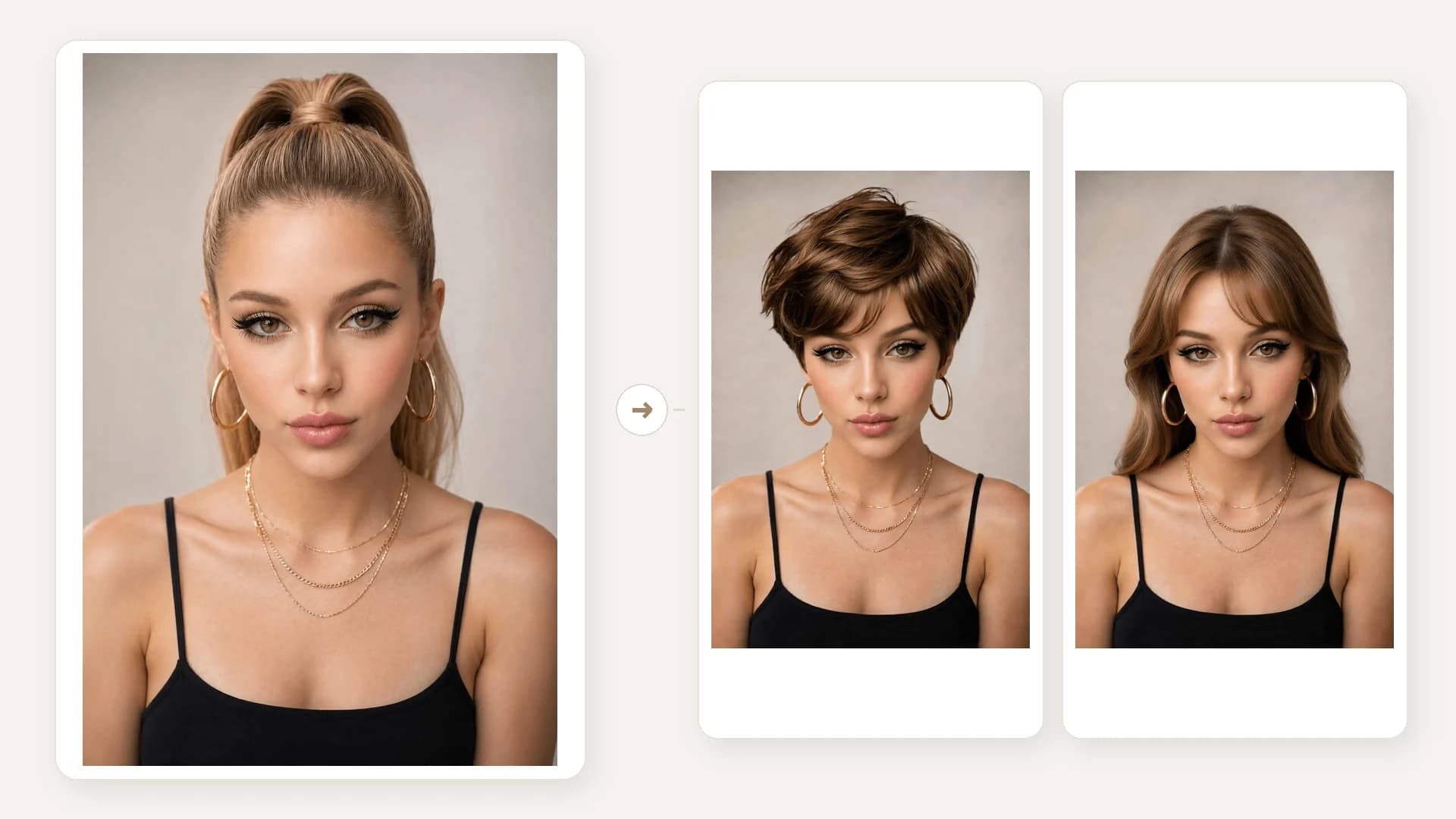
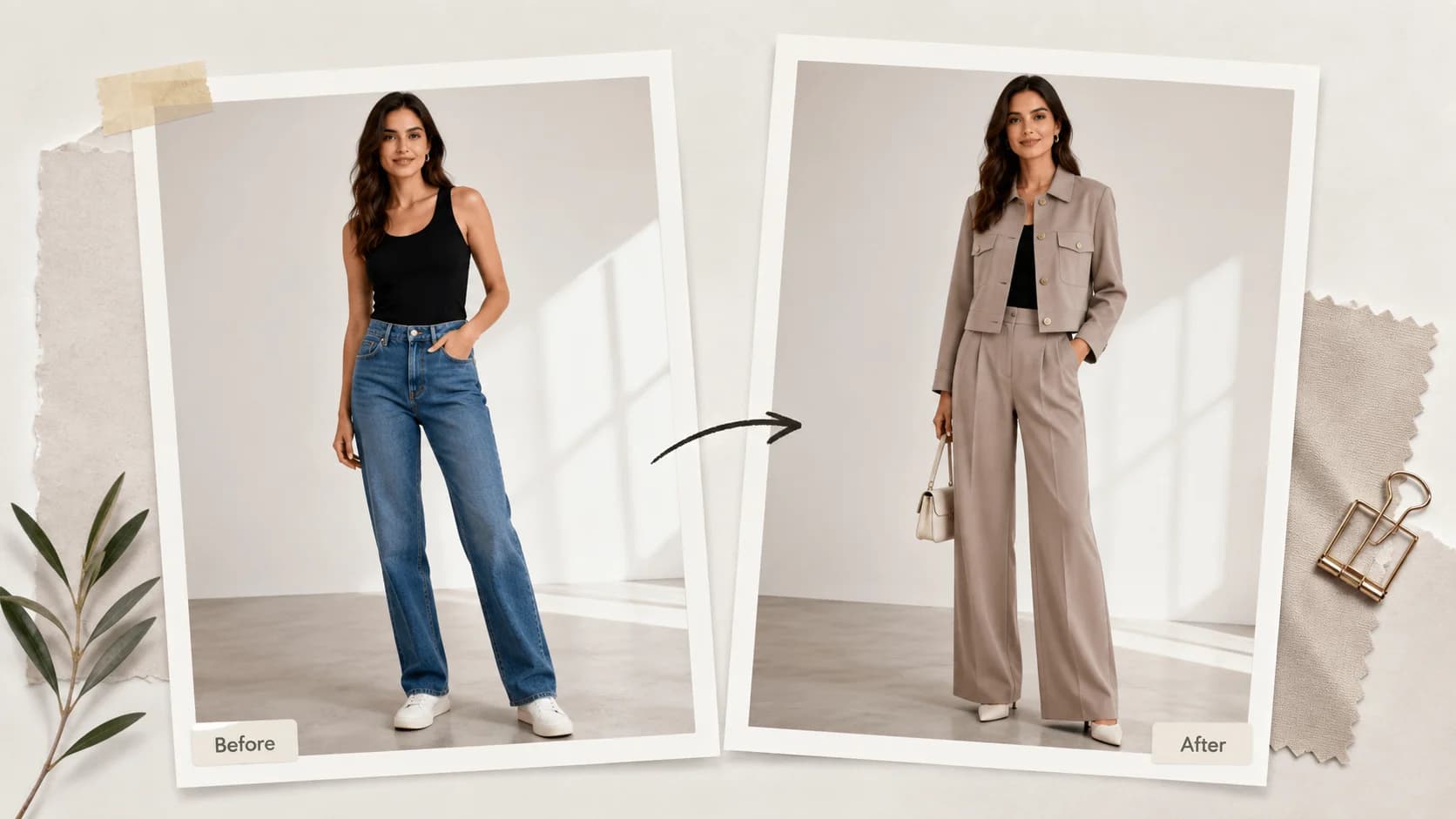
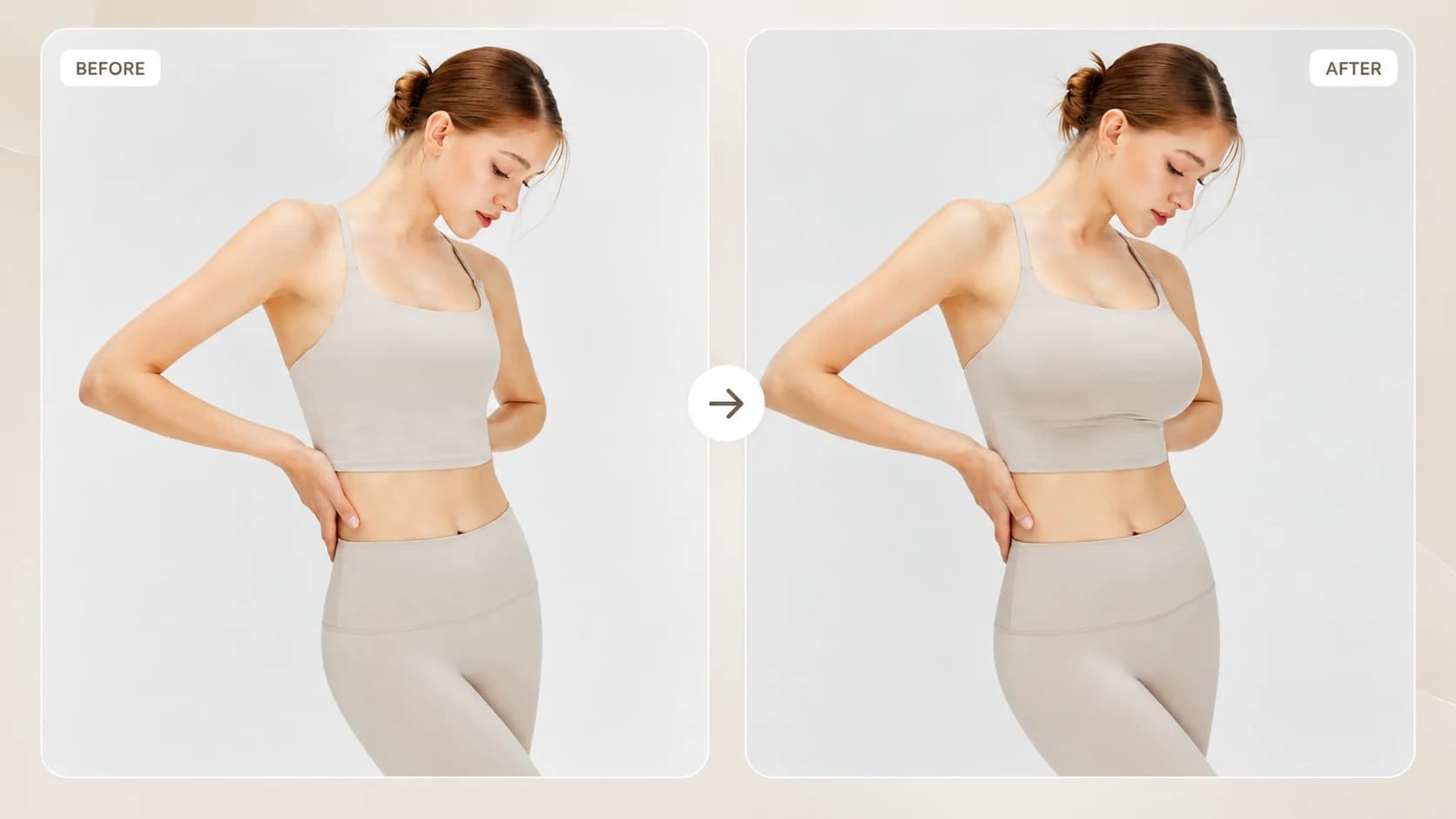
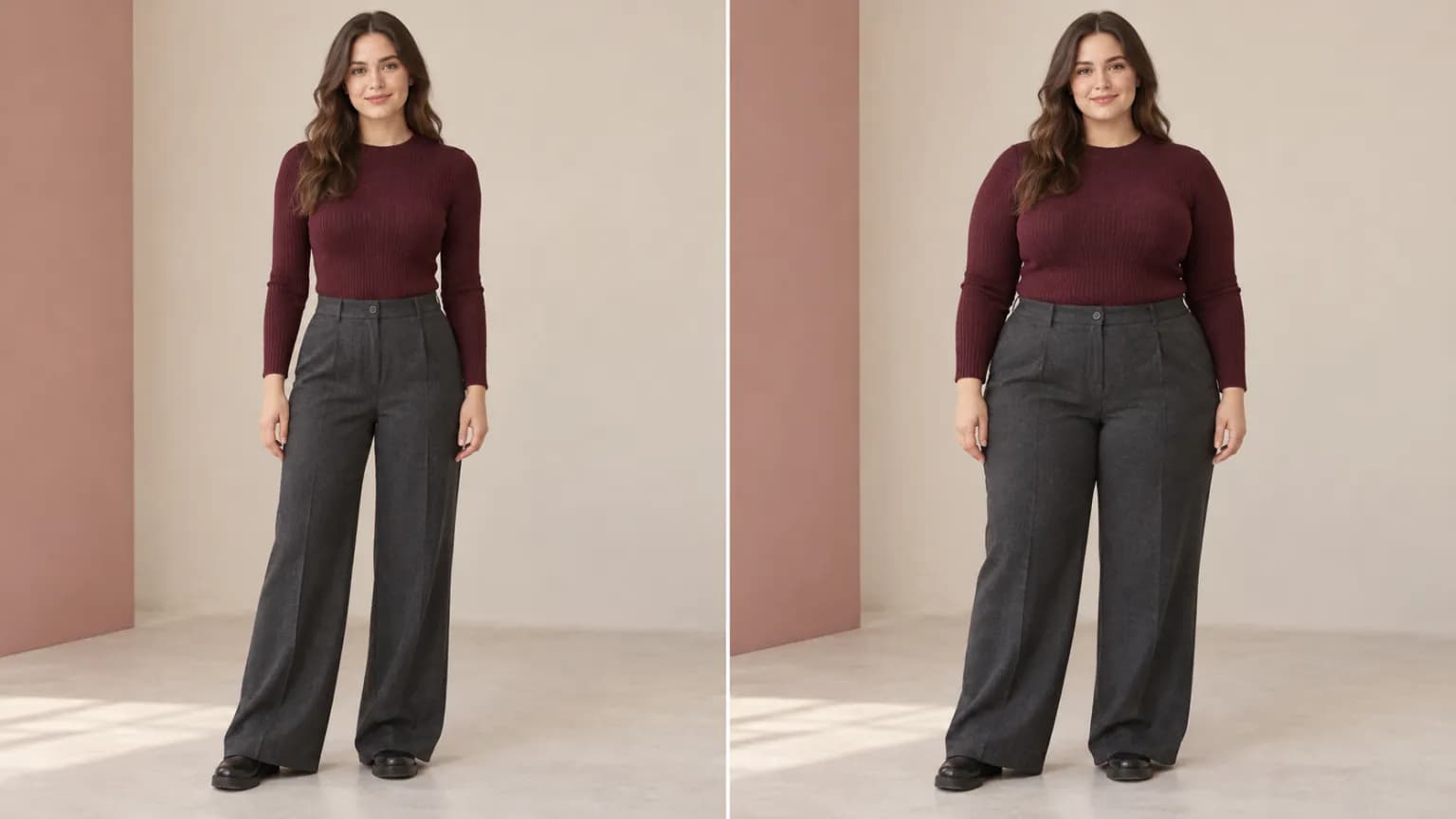
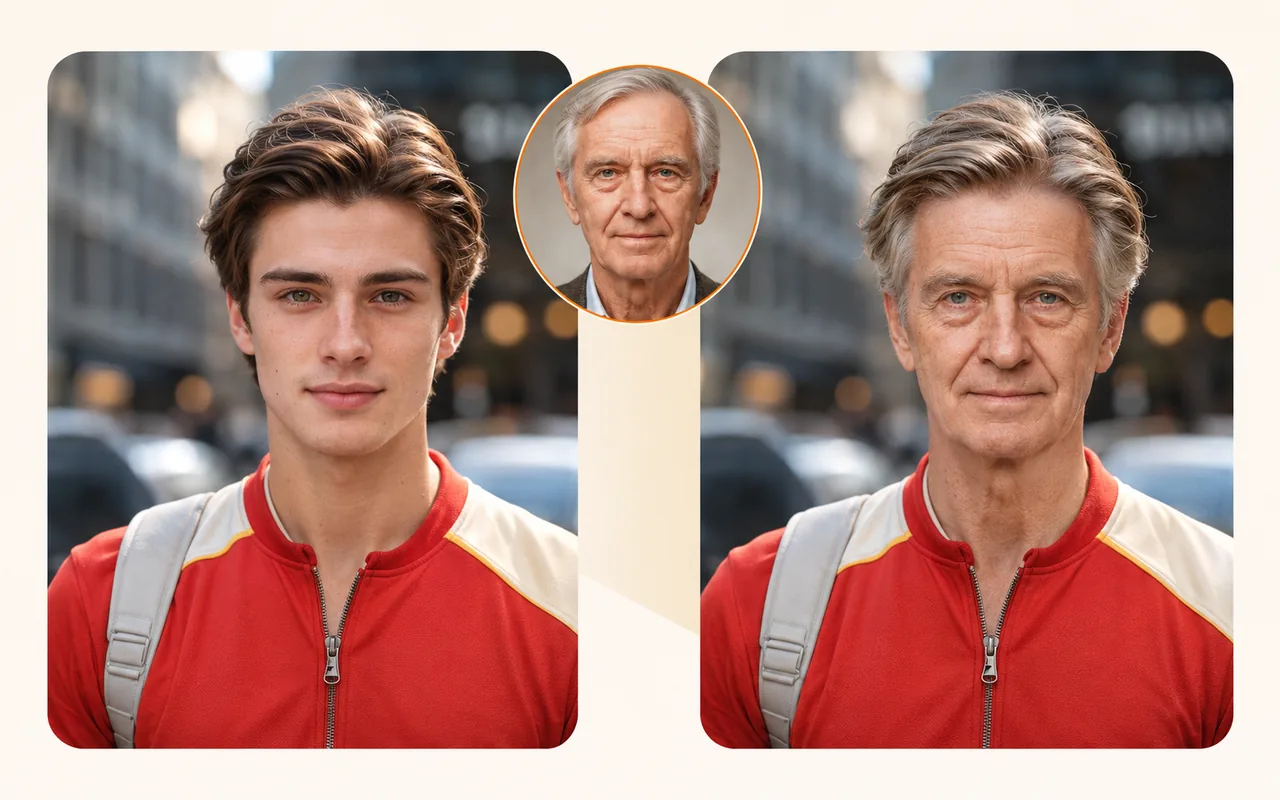
Explore faceswap examples made from two portraits, with the target photo composition kept in view.
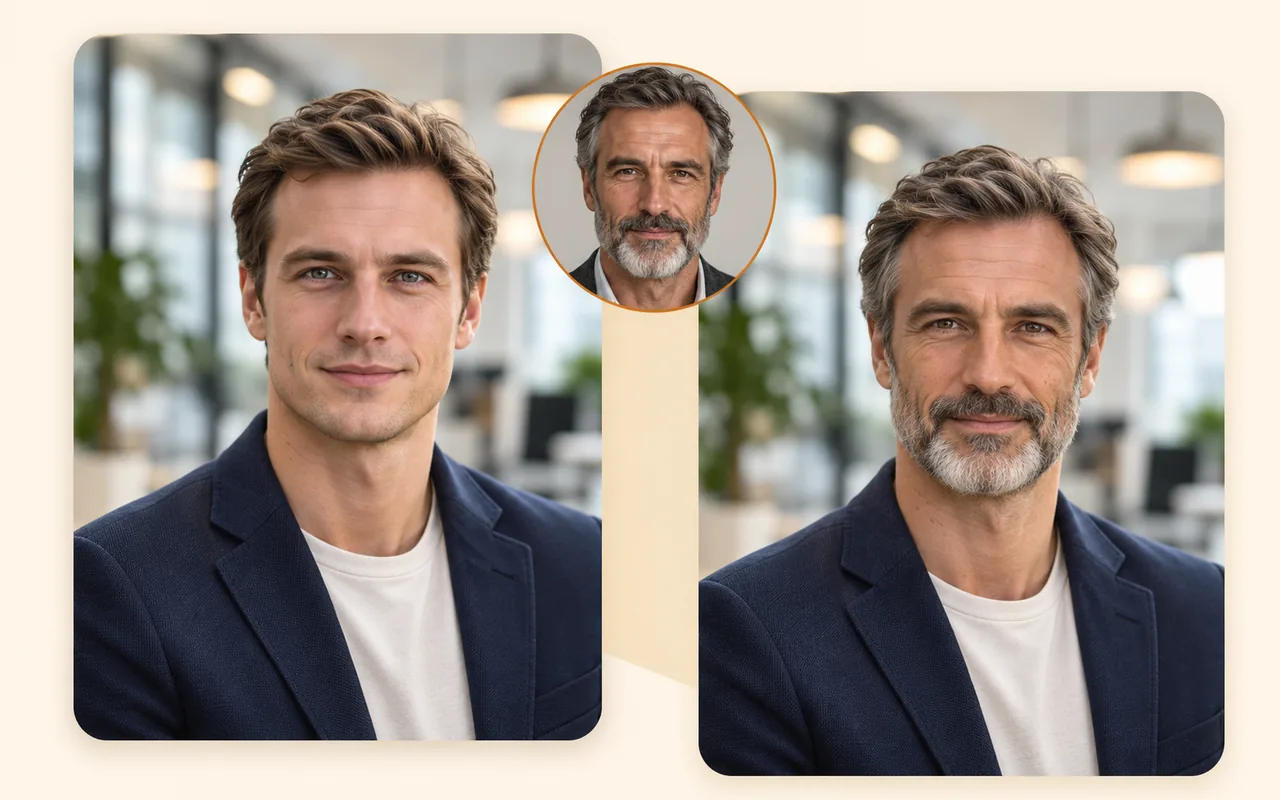
HOW IT WORKS
Choose two photos and let face swap artificial intelligence create a faceswap you can compare and save.
Choose a target photo and a separate reference face.
The face swap AI combines the reference face with the target photo.
Check the result, then download it if it looks right.
01
Start with a well-lit portrait that shows the face clearly. This image supplies the pose, clothing, background and composition for the result, so choose a photo whose overall look you want to keep.
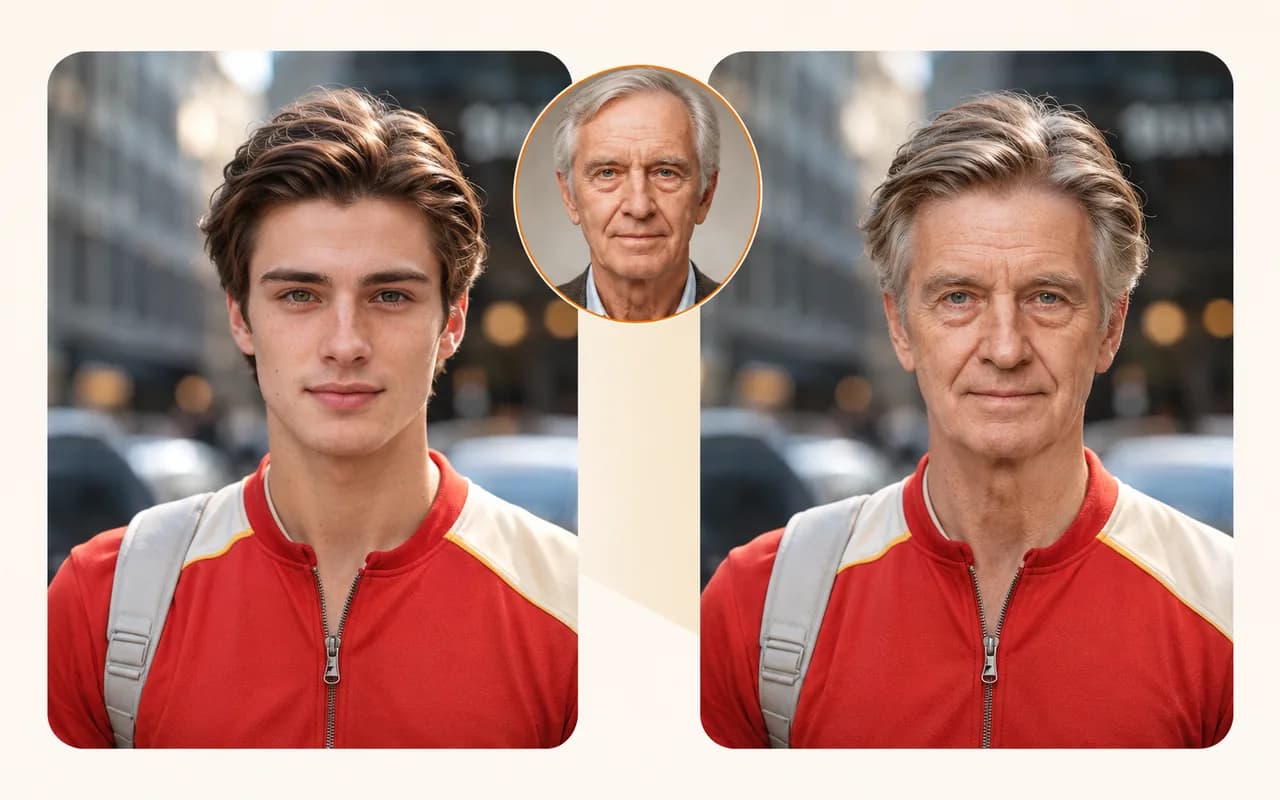
02
Use a front-facing, unobstructed face with even lighting. A similar angle and a face that is large enough in the image can help an AI face swap blend more naturally. These photo choices also help a faceswap look more consistent.
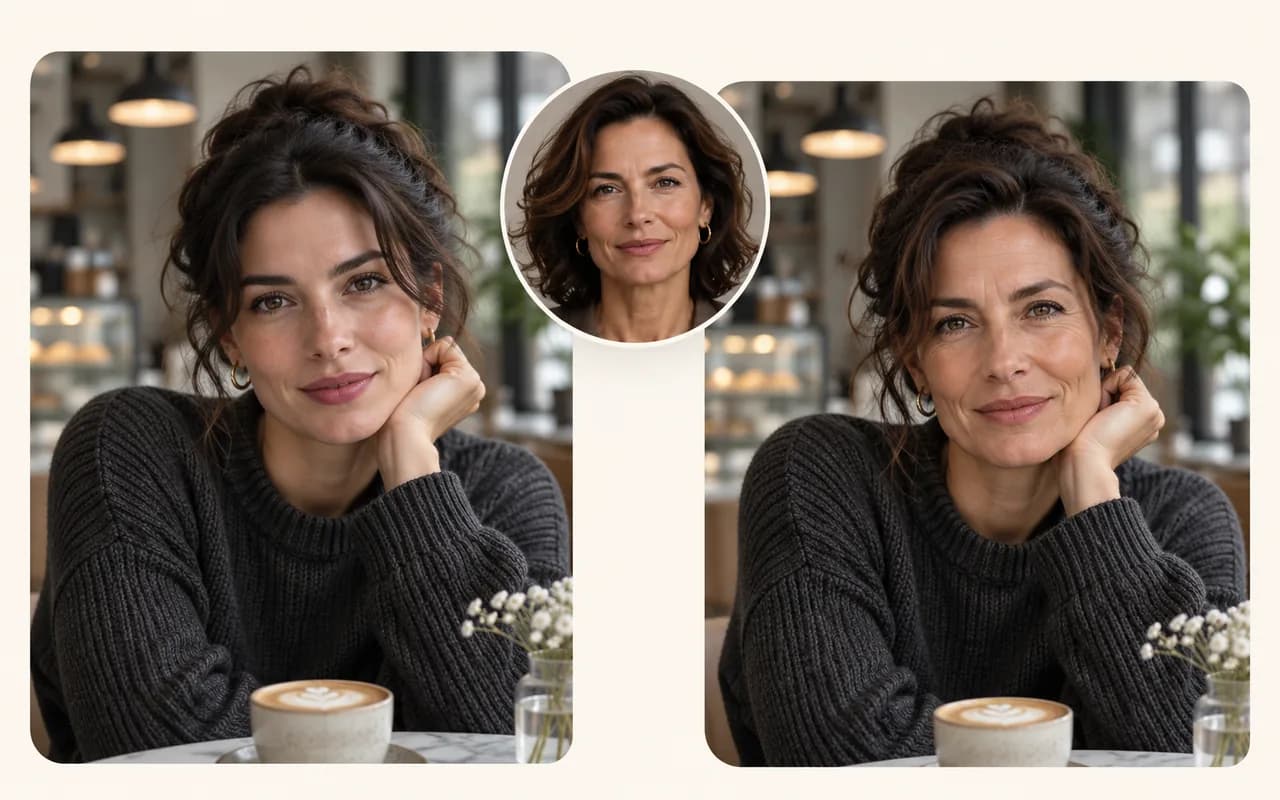
03
Face swap artificial intelligence can produce different results depending on angle, lighting, expression and image quality. Review the faceswap output before sharing, especially around the face edges and hairline.
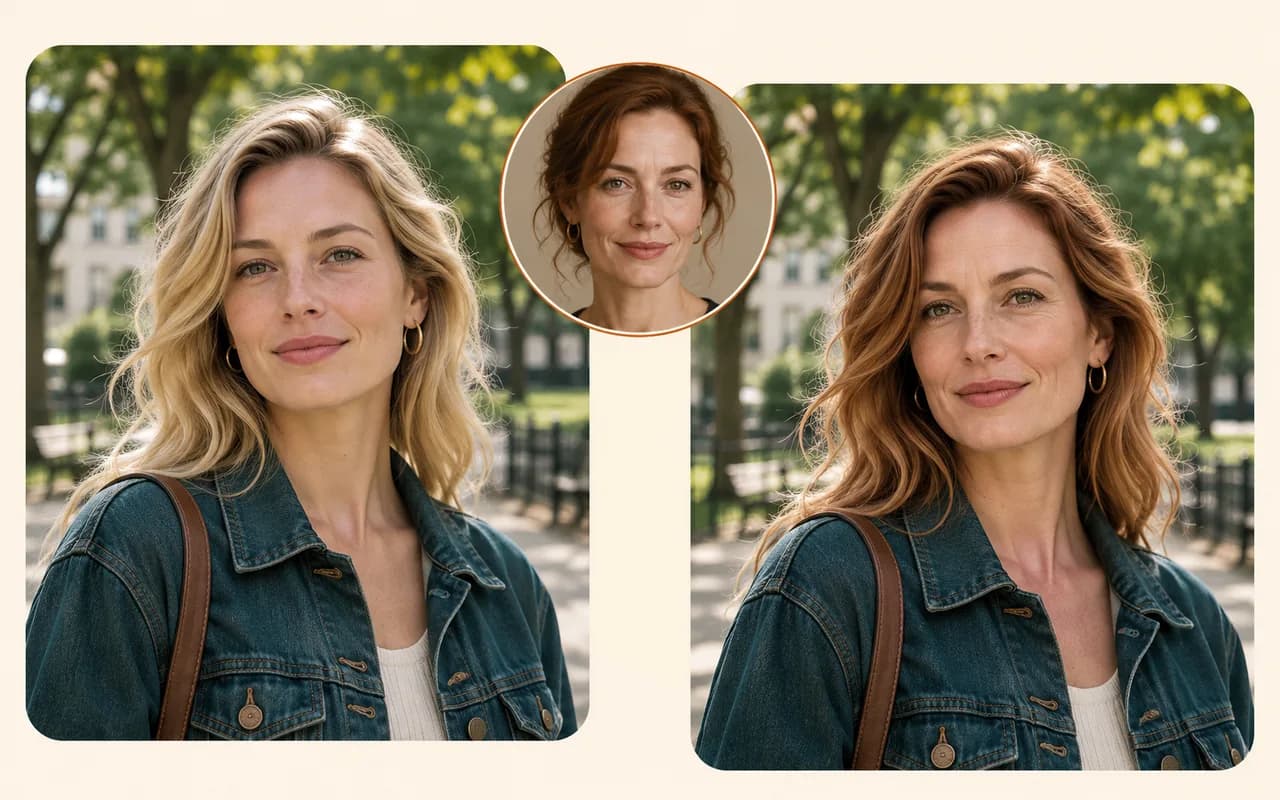
04
Only upload photos you own or have permission to use. Use images of consenting adults, and do not create misleading or harmful content. The result is an AI-generated image, not a real photograph of an event.
View Products
FAQ
Face swap artificial intelligence combines a face from a reference photo with a target photo to create an edited image. This process is also called an AI face swap or faceswap.
The tool reads the visible face in each portrait, uses the target photo for its scene and composition, and blends in the reference face for the edited result.
Faceswap is an AI photo edit that puts a reference face into a target image while keeping the target image’s overall scene.
Use two clear, color portraits with visible faces and even lighting. A front-facing reference image and a target photo with an unobstructed face usually work best for face swap AI and faceswap.
Only use photos you own or have permission to use. Get consent from the people shown, and do not use the tool to mislead, harass or harm anyone.
Not always. Results vary with face angle, expression, lighting and image quality. Review the generated image before sharing and label it as AI-generated when appropriate.
Both photos are sent to the image processing service to create the result. Your target photo and generated result are kept in this browser’s task history until you delete the history item.
JPEG and PNG images up to 5 MB each are supported. Images must be no larger than 4096 by 4096 pixels; clear faces around 200 pixels wide or larger are recommended.