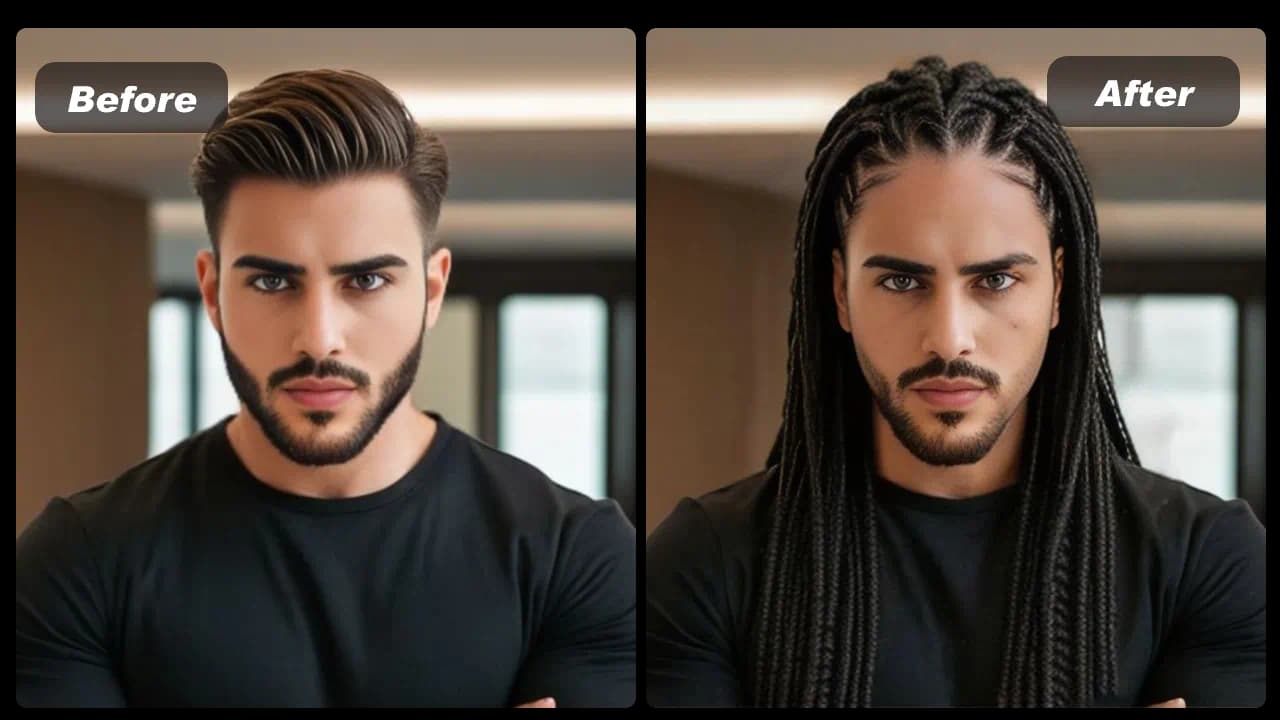
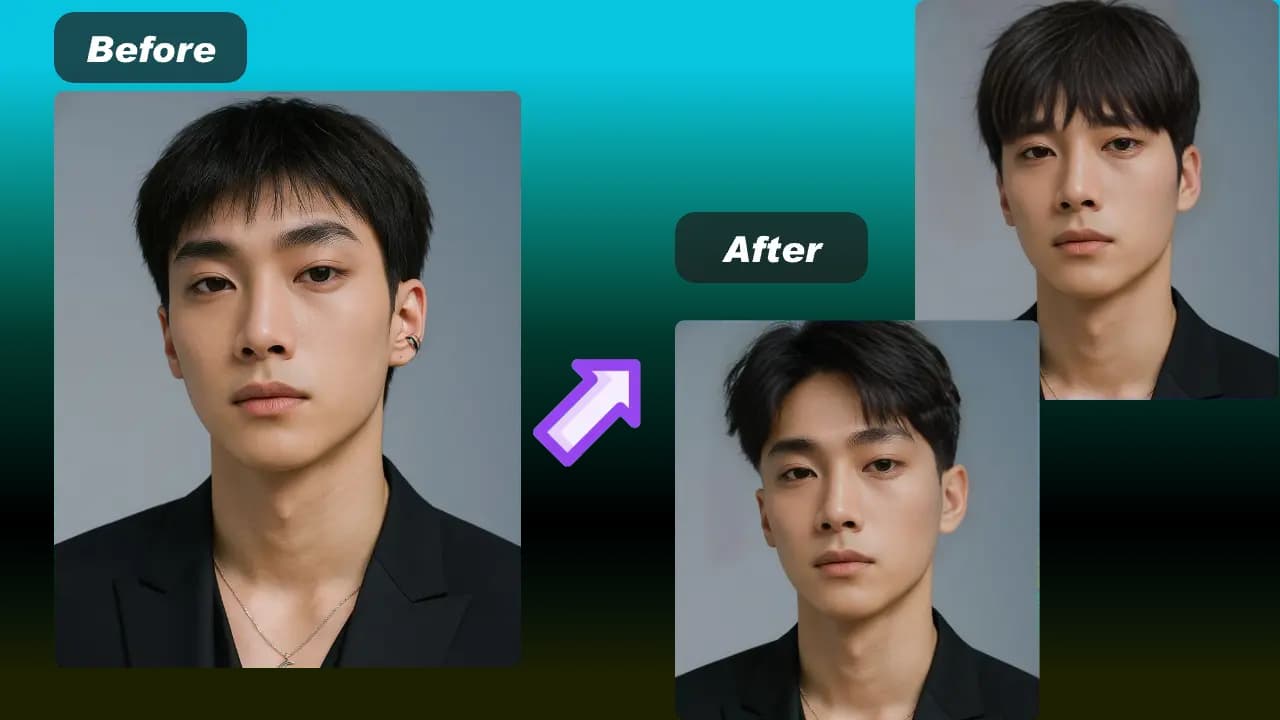
Upload a person photo
Choose a clear, well-lit photo of one fully clothed person. A visible pose and simple background help the AI clothing remover read the outfit.
Your 10 free creations reset each day. If a generation fails, that attempt is returned.
AI clothing remover · clothing remover AI · AI clothing removal
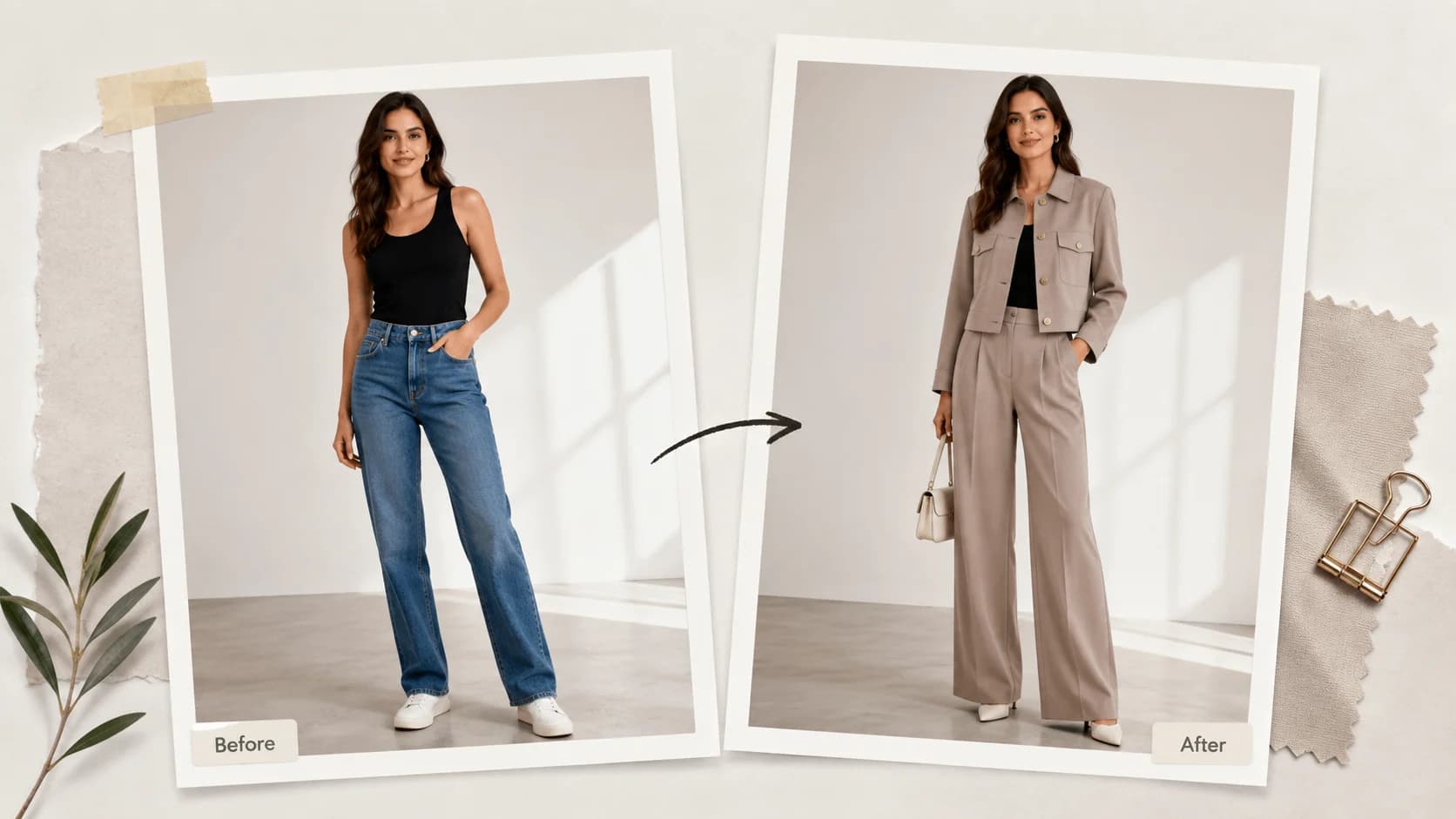
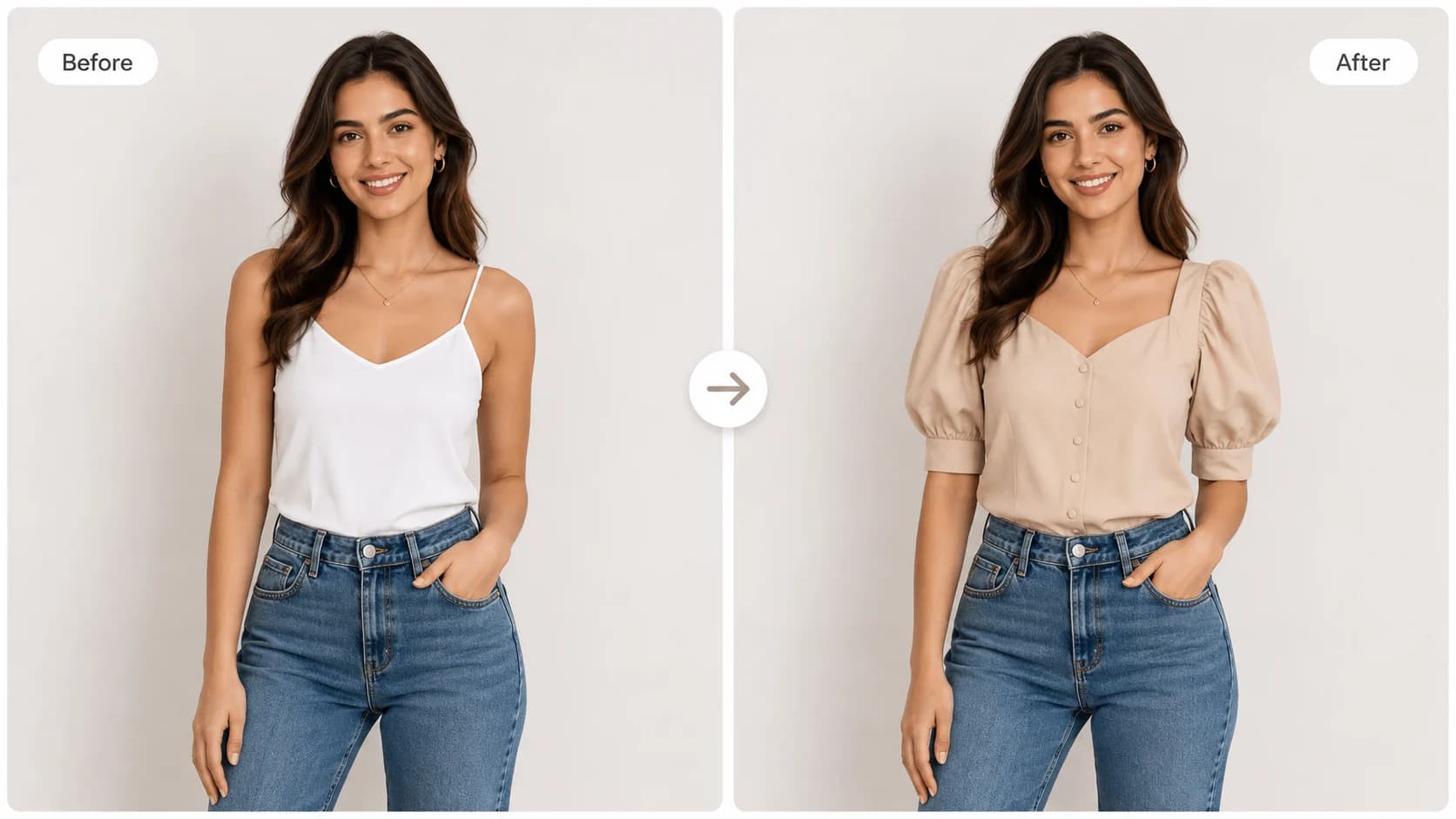
Replace a visible outfit with a garment reference and compare a fully clothed style preview.
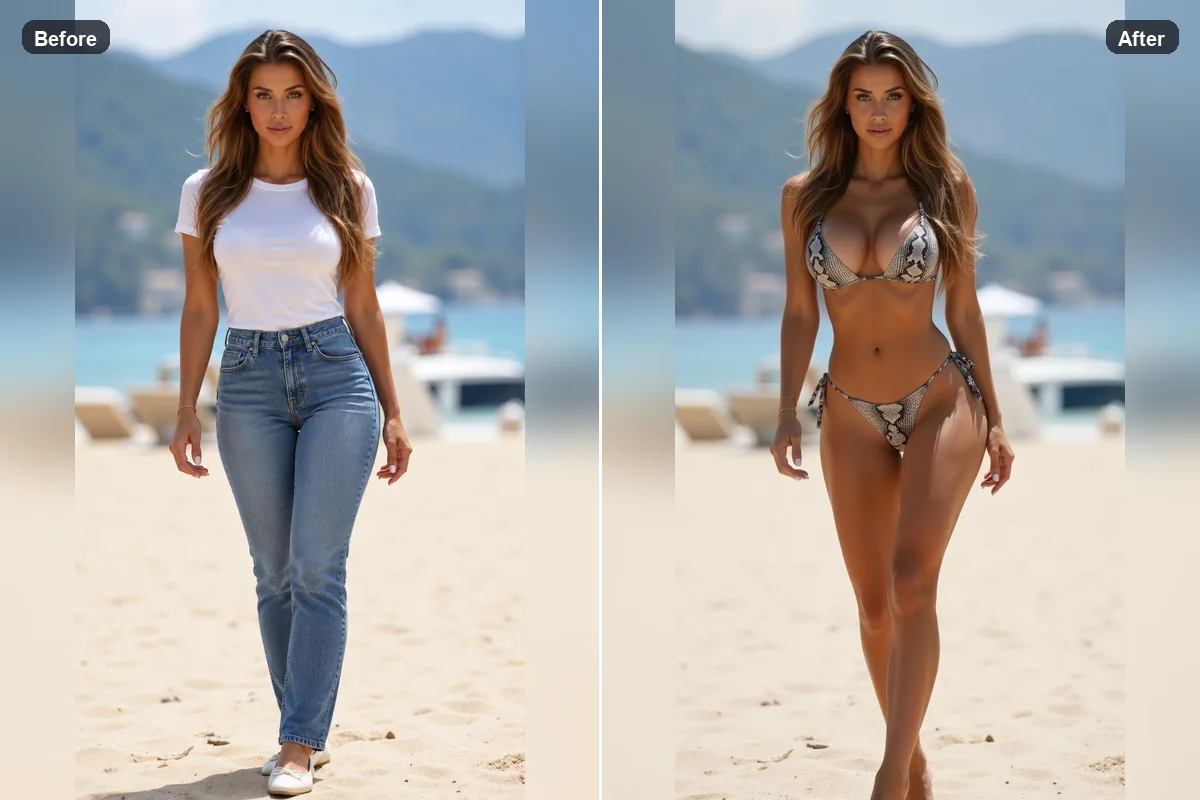 1 / 5
1 / 5Use an AI clothing remover for a safe, fully clothed outfit replacement preview. Upload a person photo and garment reference to change the visible outfit. This tool does not reveal skin, remove clothes to expose a body, or generate nudity.
01Upload a person photo
Choose a clear, well-lit photo of one fully clothed person. A visible pose and simple background help the AI clothing remover read the outfit.
02Add a garment reference
Select a clothing image with clear shape, color, and details. Clothing remover AI uses this reference to replace the visible outfit in the preview.
03Generate and compare
Review the fully clothed result, compare it with the source, and save the style preview you prefer.
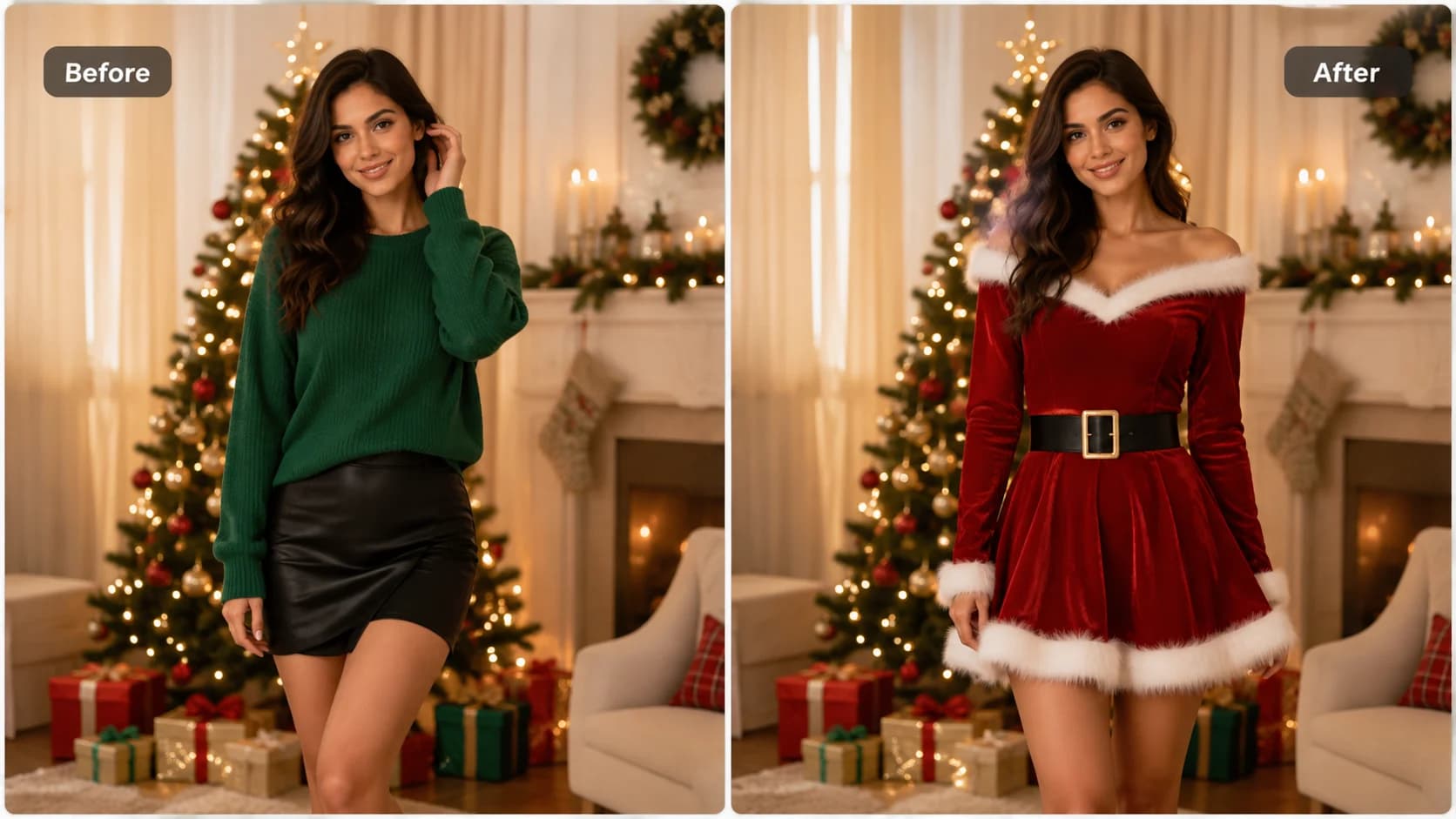
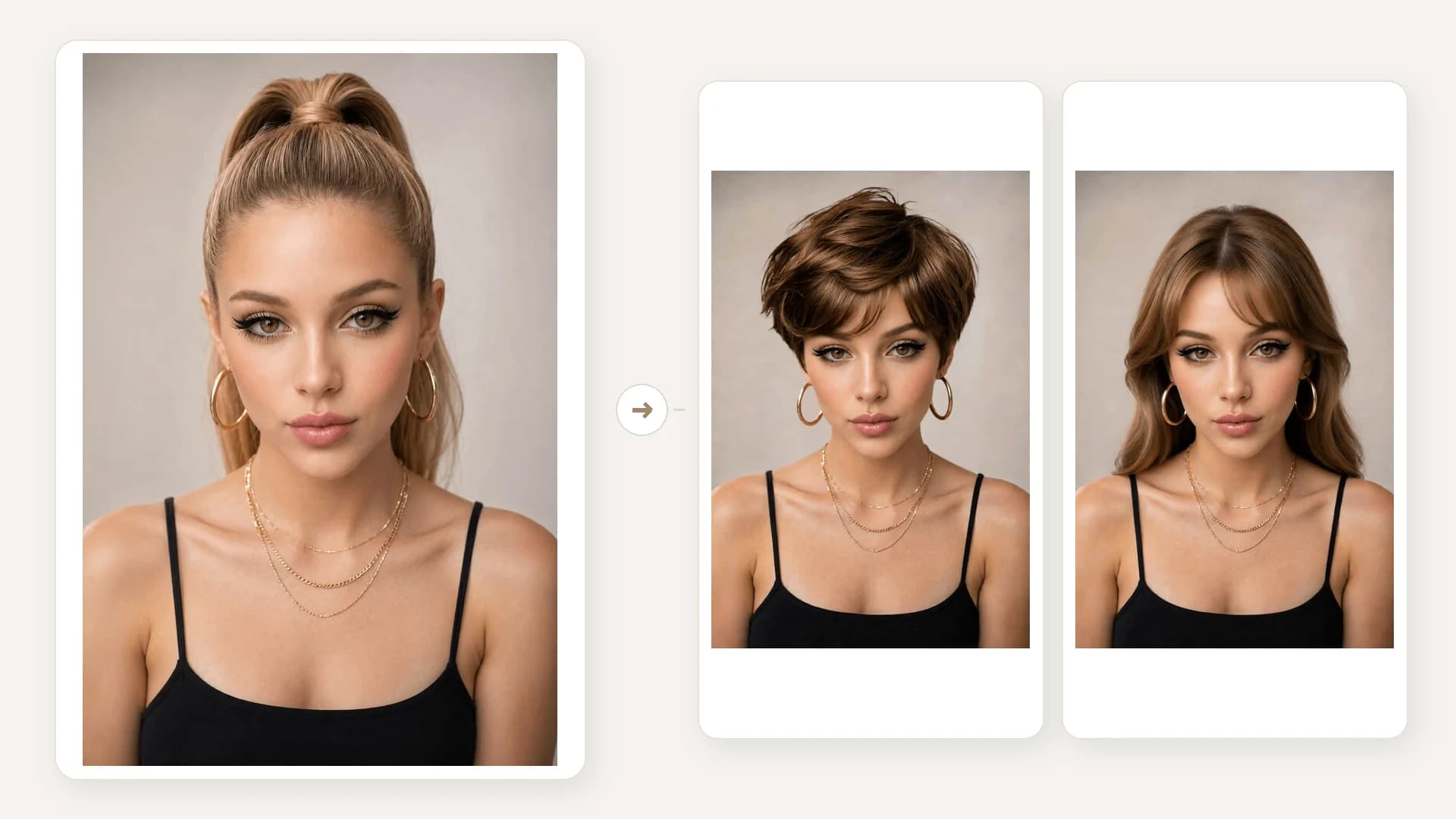
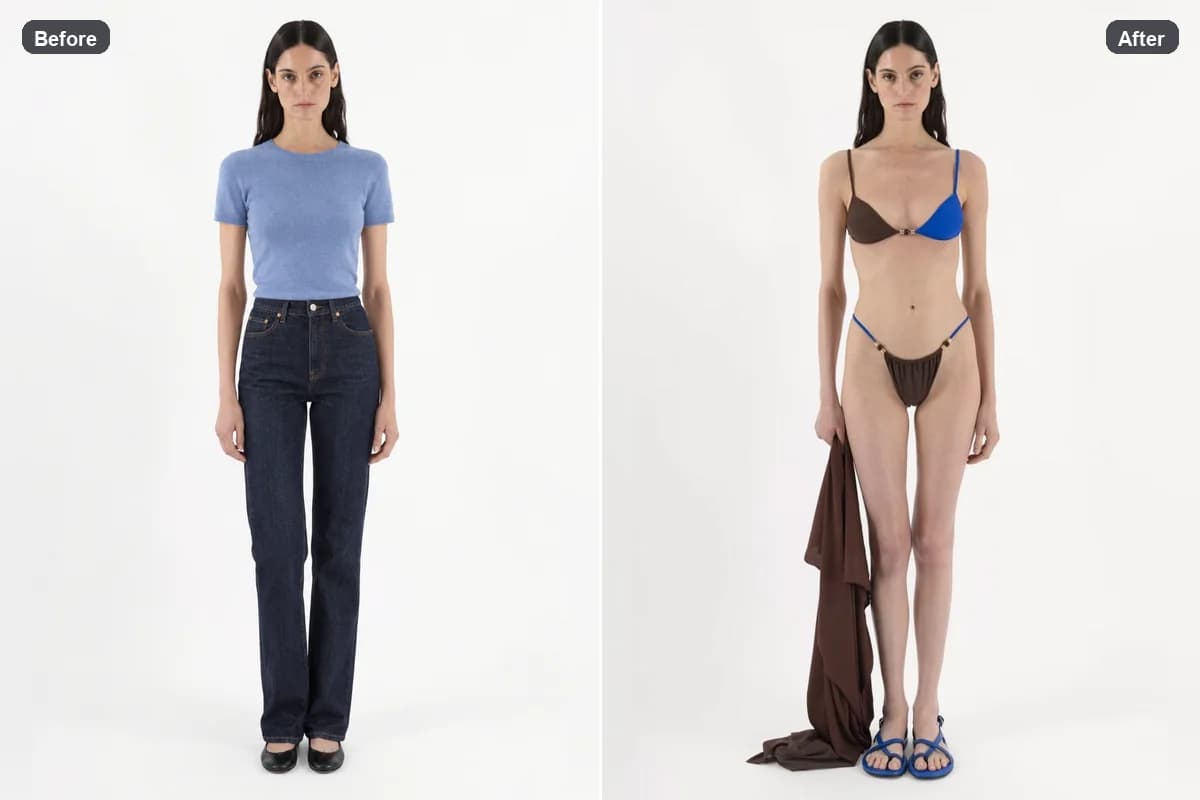
See how a clothing remover AI preview can compare a fully clothed outfit with a new garment reference while keeping the original person covered.
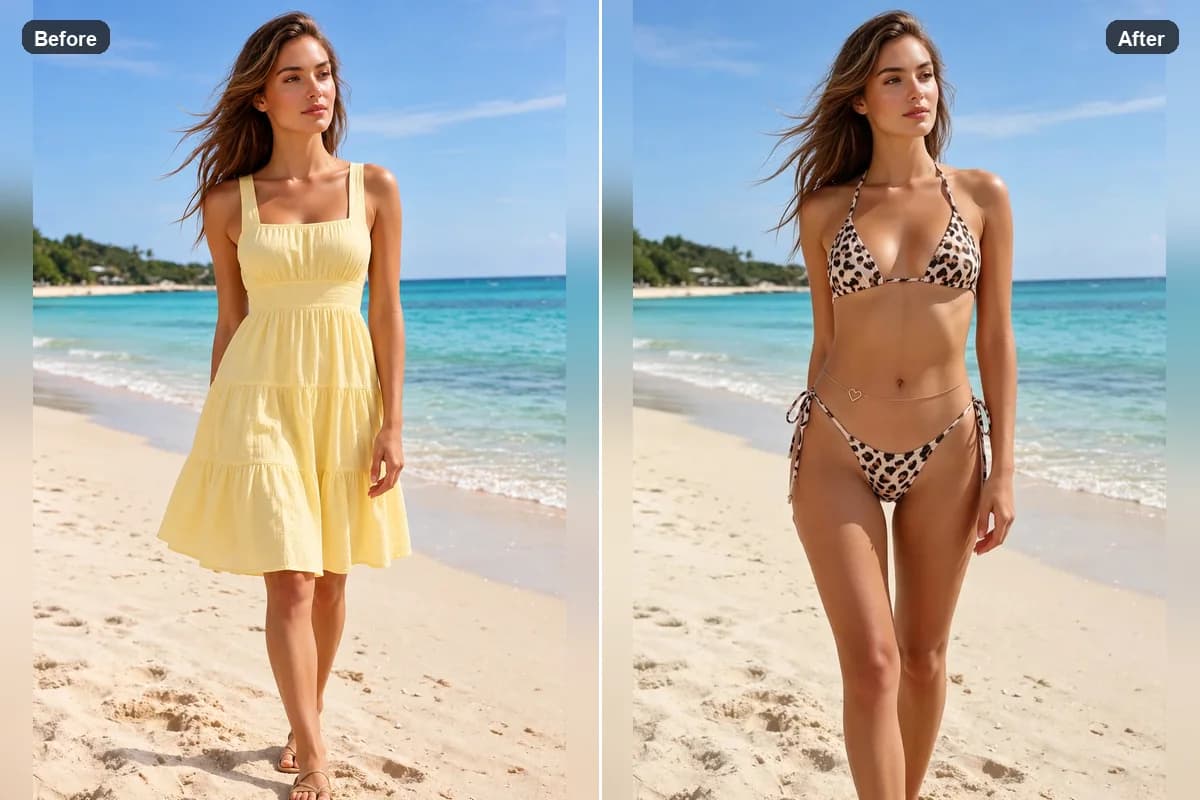
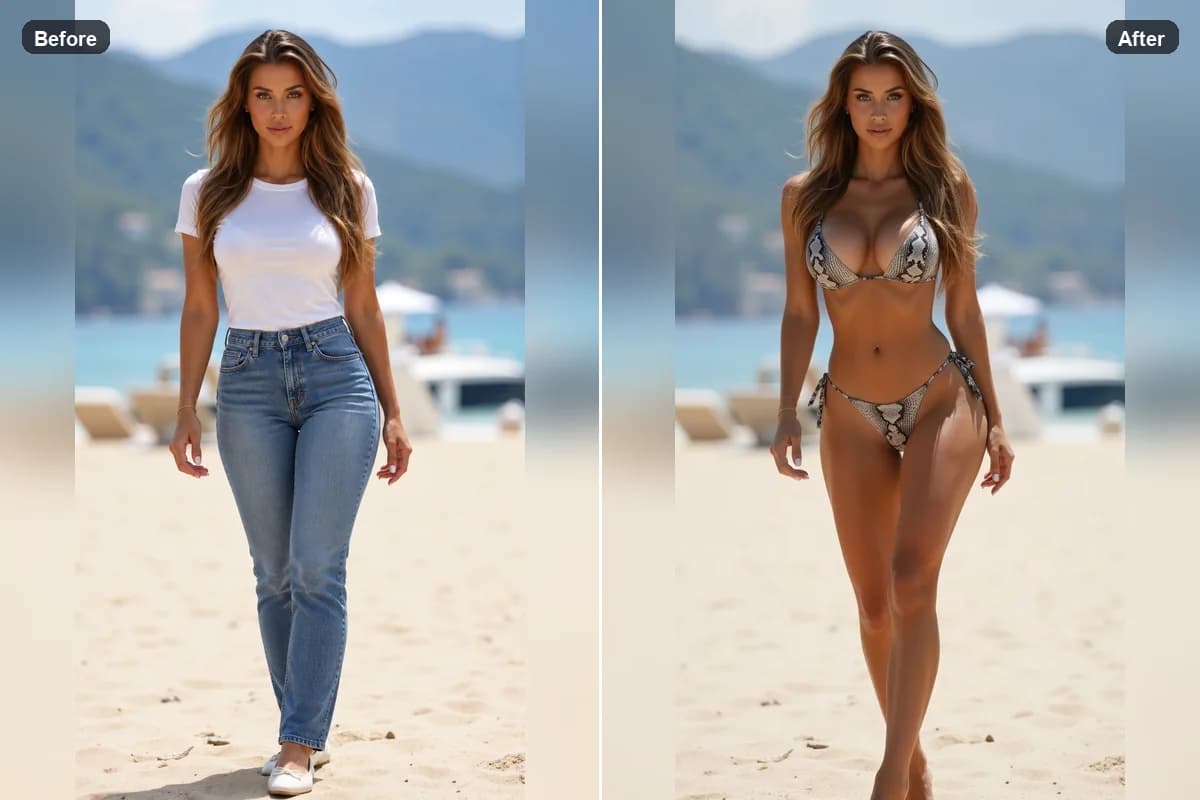
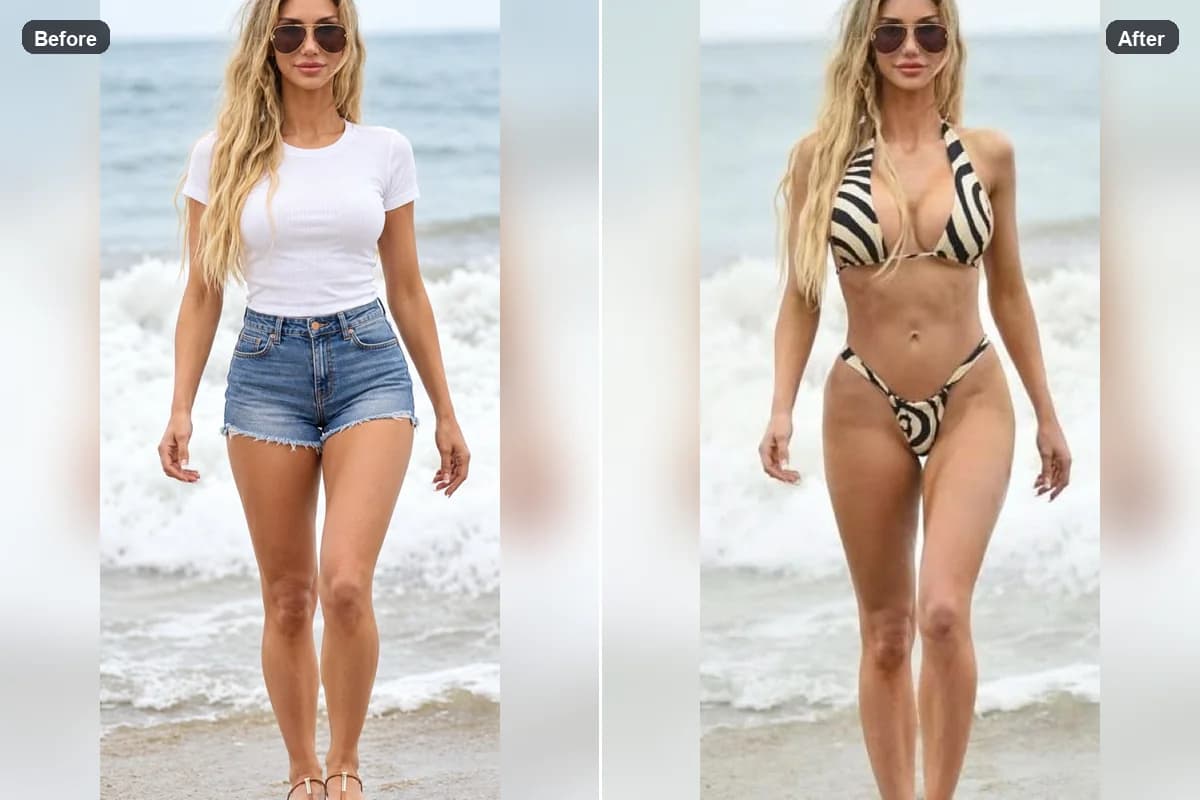
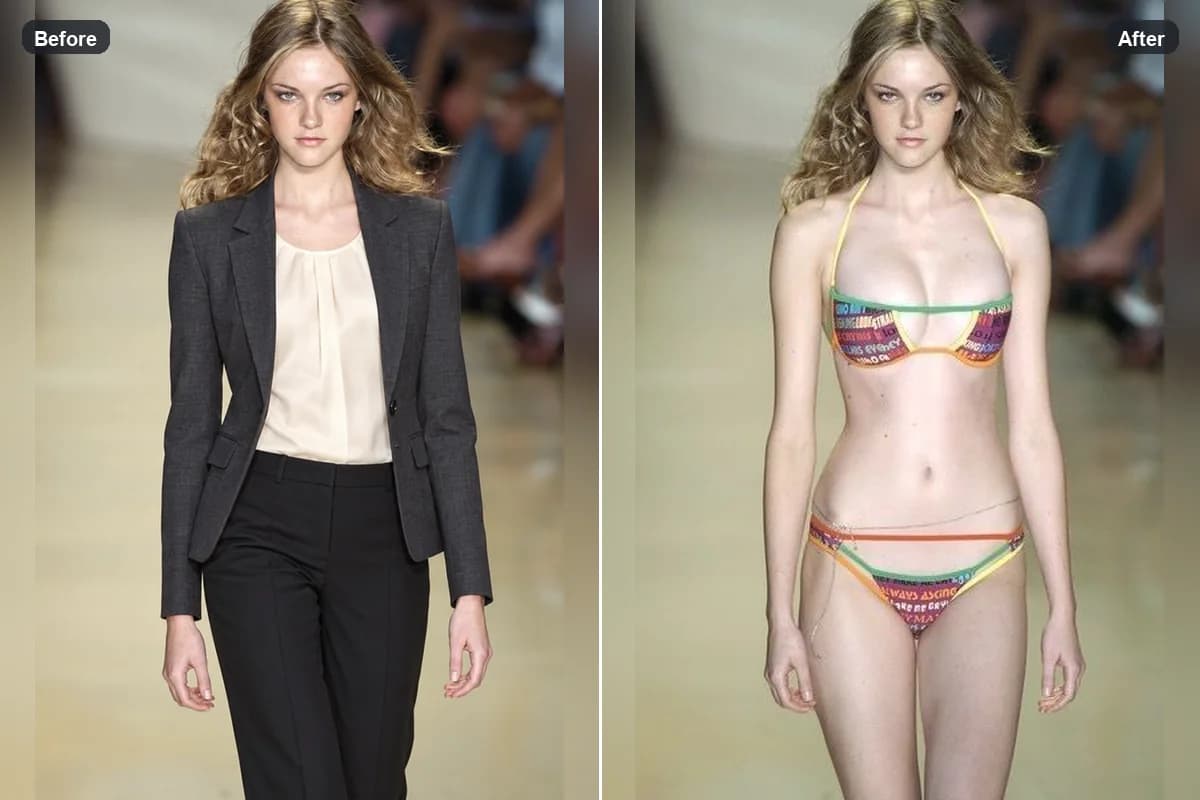
HOW IT WORKS
Create an AI clothing removal style preview in three simple steps. The result is an outfit change and keeps the person fully clothed.
Choose a clear, well-lit photo of one fully clothed person. A visible pose and simple background help the AI clothing remover read the outfit.
Select a clothing image with clear shape, color, and details. Clothing remover AI uses this reference to replace the visible outfit in the preview.
Review the fully clothed result, compare it with the source, and save the style preview you prefer.
01
AI clothing remover is the phrase many people use when looking for an AI outfit edit. This page uses the term for a safe clothing replacement preview: pair a clothed portrait with a garment reference to explore a different look. The output remains fully clothed and is designed for fashion comparison, not body exposure.
02
A clothing remover AI works best with two clear inputs: a person photo and a separate garment image. Good lighting, a simple background, and visible clothing details make it easier to compare color and silhouette. Try another garment reference to explore a second styling direction.
03
AI clothing removal on this page means replacing one visible garment with another in a fashion preview. It does not uncover the person, infer what is beneath clothing, or produce nude imagery. Results are visual concepts and do not predict physical garment fit or exact fabric behavior.
04
Use the AI clothes changer workflow to compare casual, formal, seasonal, or character-inspired garments on the same portrait. A clothing remover AI preview can help with mood boards and outfit ideas while keeping the output SFW and the person fully dressed.
View Products
FAQ
No. This AI clothing remover changes the visible outfit using a garment reference and keeps the person fully clothed. It does not expose the body or generate nudity.
The phrase reflects a common search term. This product provides a safe alternative focused on replacing one outfit with another, rather than removing clothing to reveal skin.
Upload one clear, fully clothed person photo and one clothing reference image. JPG and PNG files are supported.
No. The result is a visual style comparison and does not provide body measurements, size recommendations, or a real-world fit guarantee.
The editor offers daily free generations. The number of available attempts is shown in the product interface and resets each day.