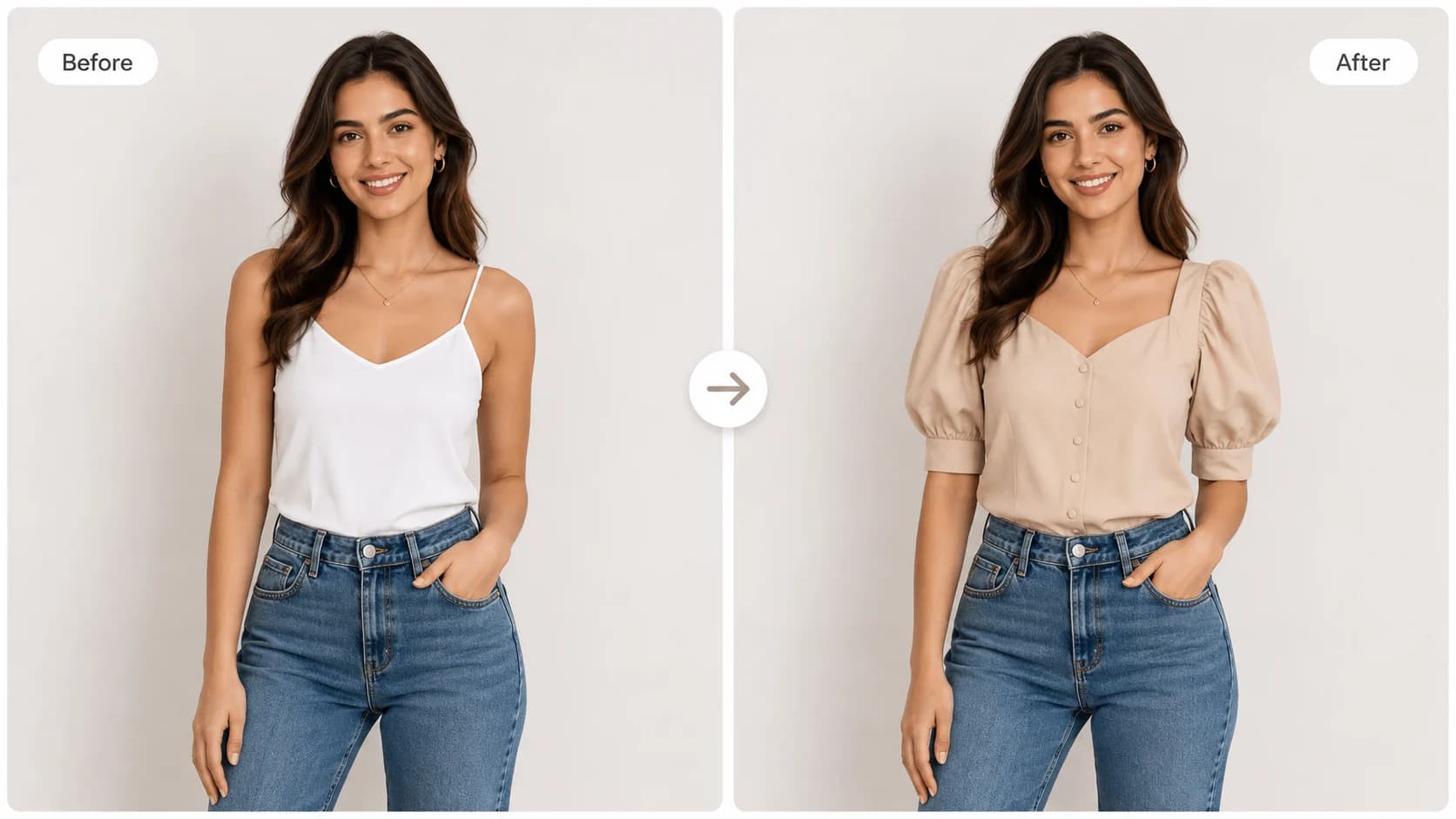
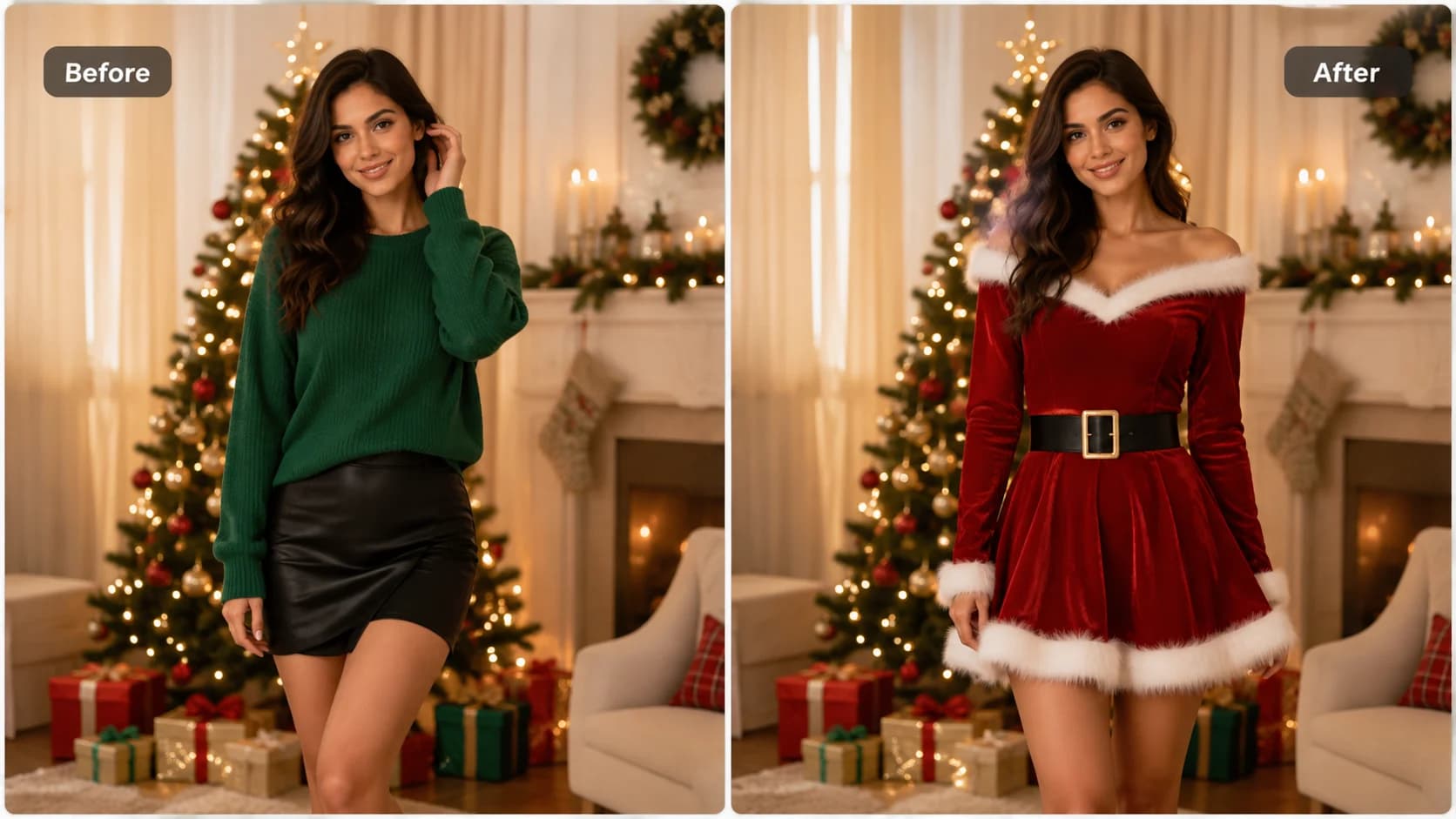
Choose a full, clear photo
Upload a well-lit image where the hip outline is easy to see. The AI Big Ass editor needs a clear view of the pose to create a useful visual comparison.

Your 10 free creations reset each day. If a generation fails, that attempt is returned.
AI big ass · AI Big Ass filter · AI big ass photo editor
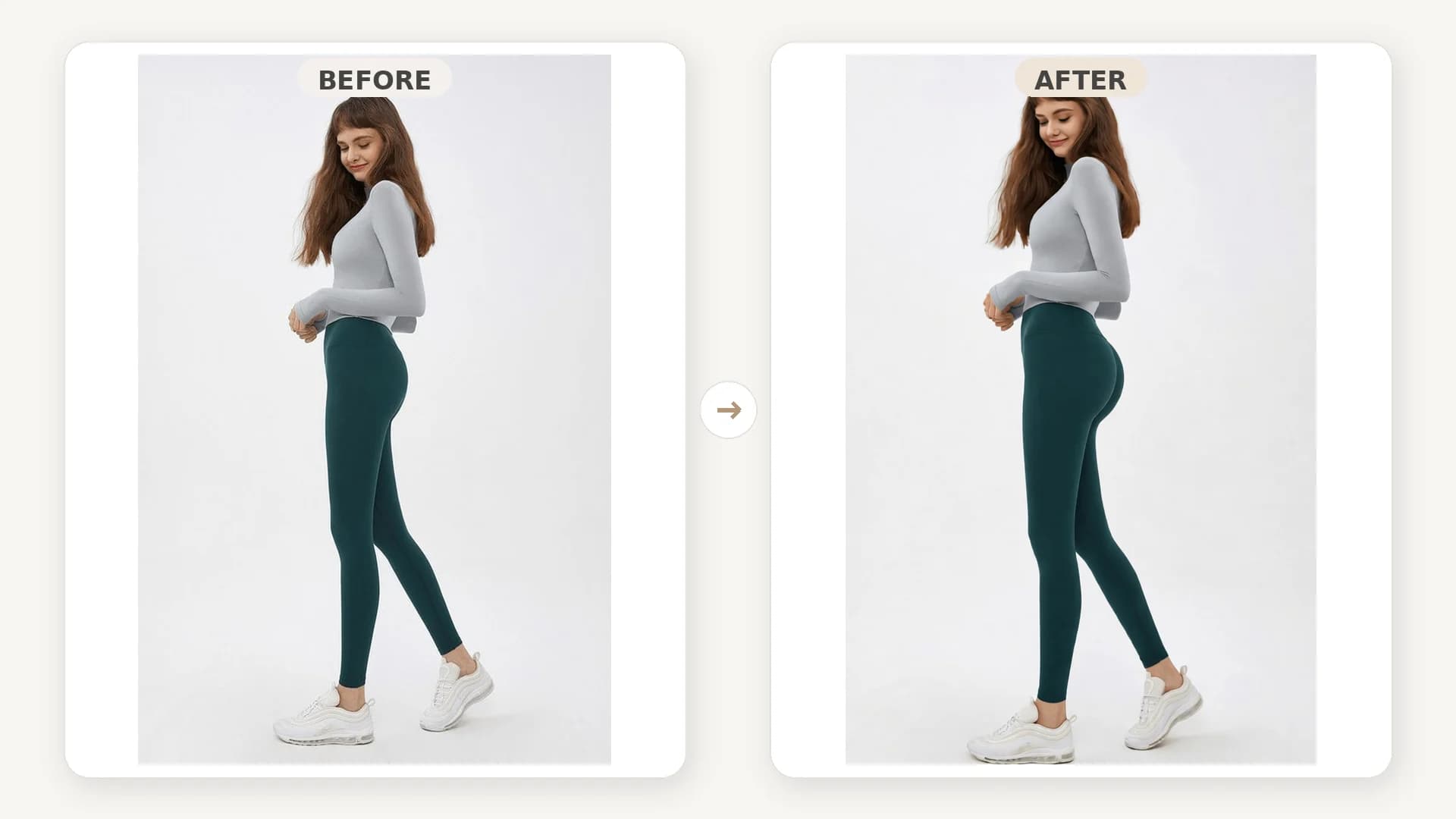
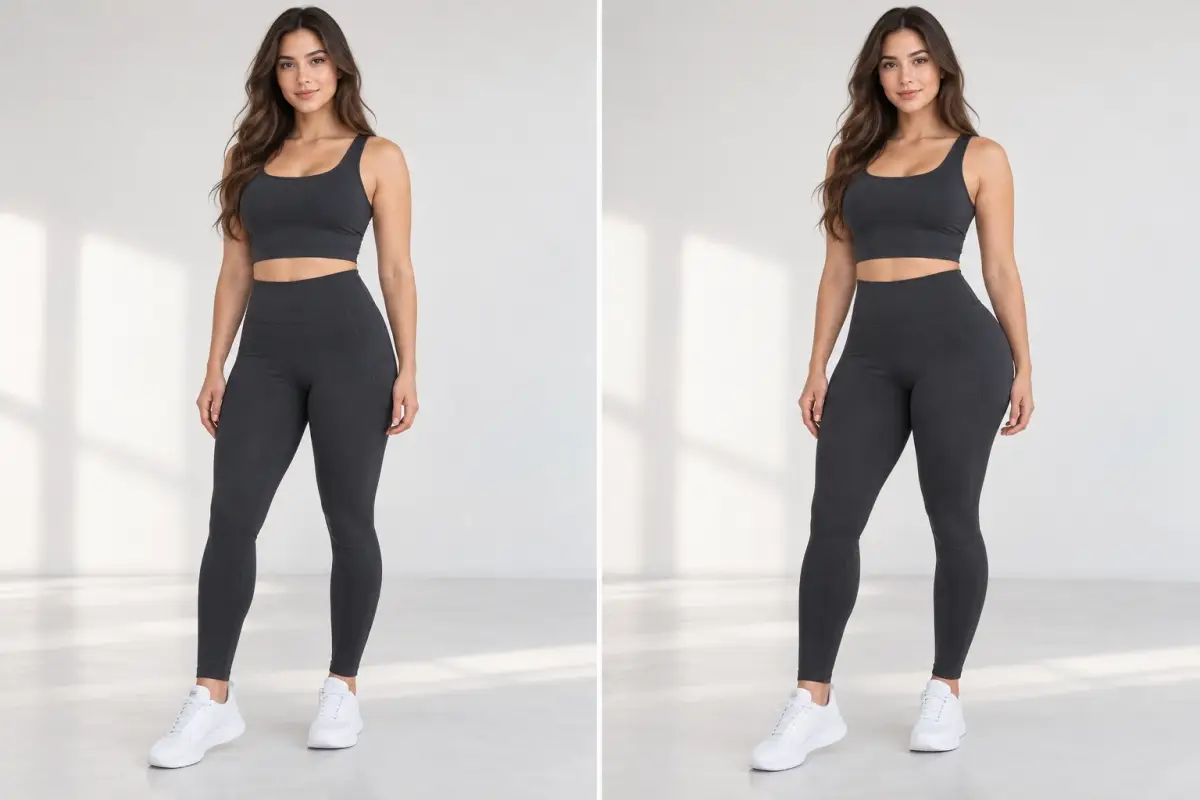
Use AI Big Ass to preview a fuller hip and butt shape, then compare the edited photo with your original.
 1 / 4
1 / 4Use the AI Big Ass photo editor to preview a fuller, rounder hip and butt contour in your photo. Compare the generated body-shape edit with the original; it is a visual effect, not a measurement or fitness tool.
01Choose a full, clear photo
Upload a well-lit image where the hip outline is easy to see. The AI Big Ass editor needs a clear view of the pose to create a useful visual comparison.
02Generate a silhouette variation
Run the AI Big Ass filter to create an edited version centered on the lower-body outline while retaining the broader scene.
03Review and save your result
Compare the preview with your uploaded image and download the version that best fits your creative direction.
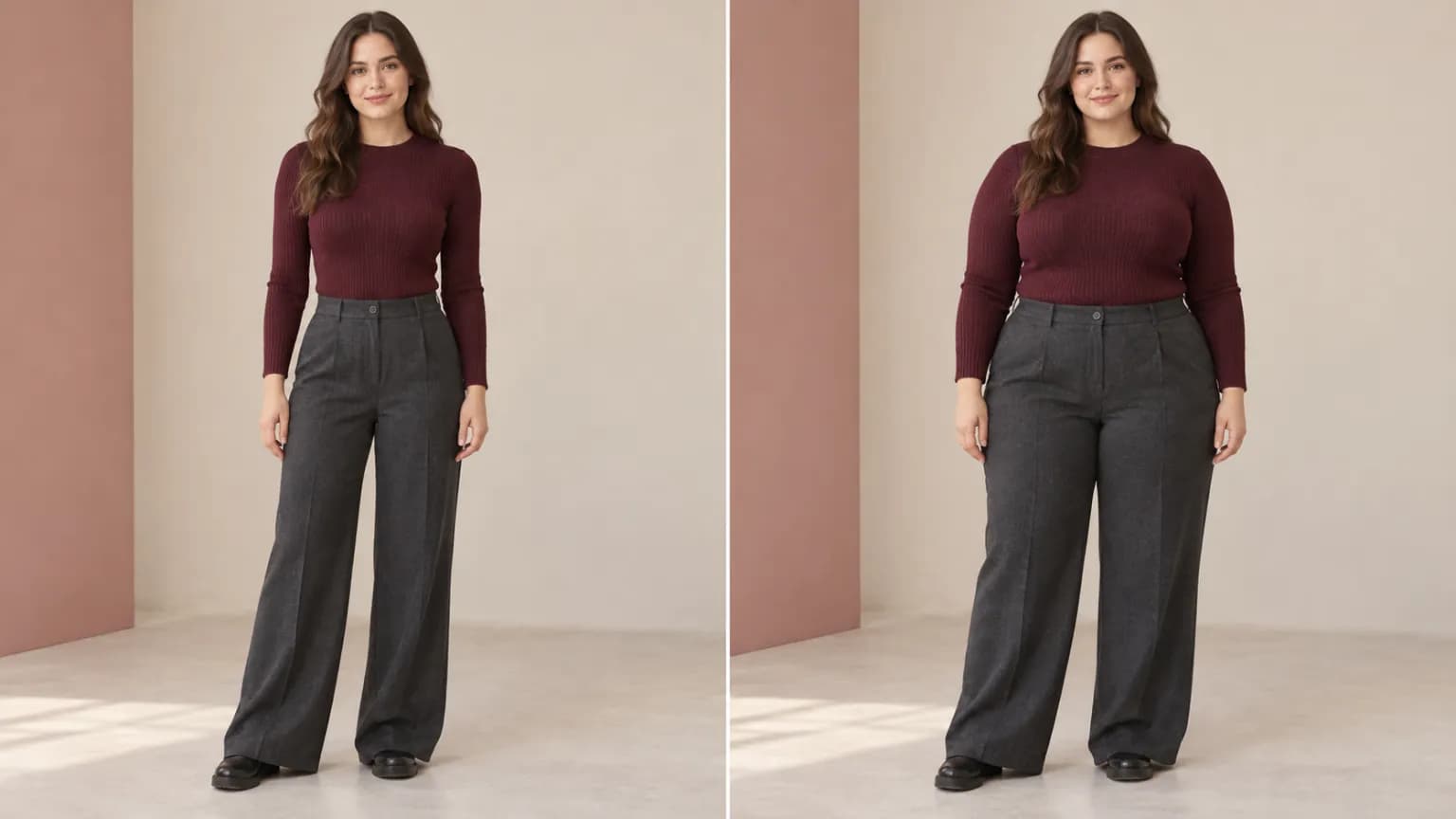
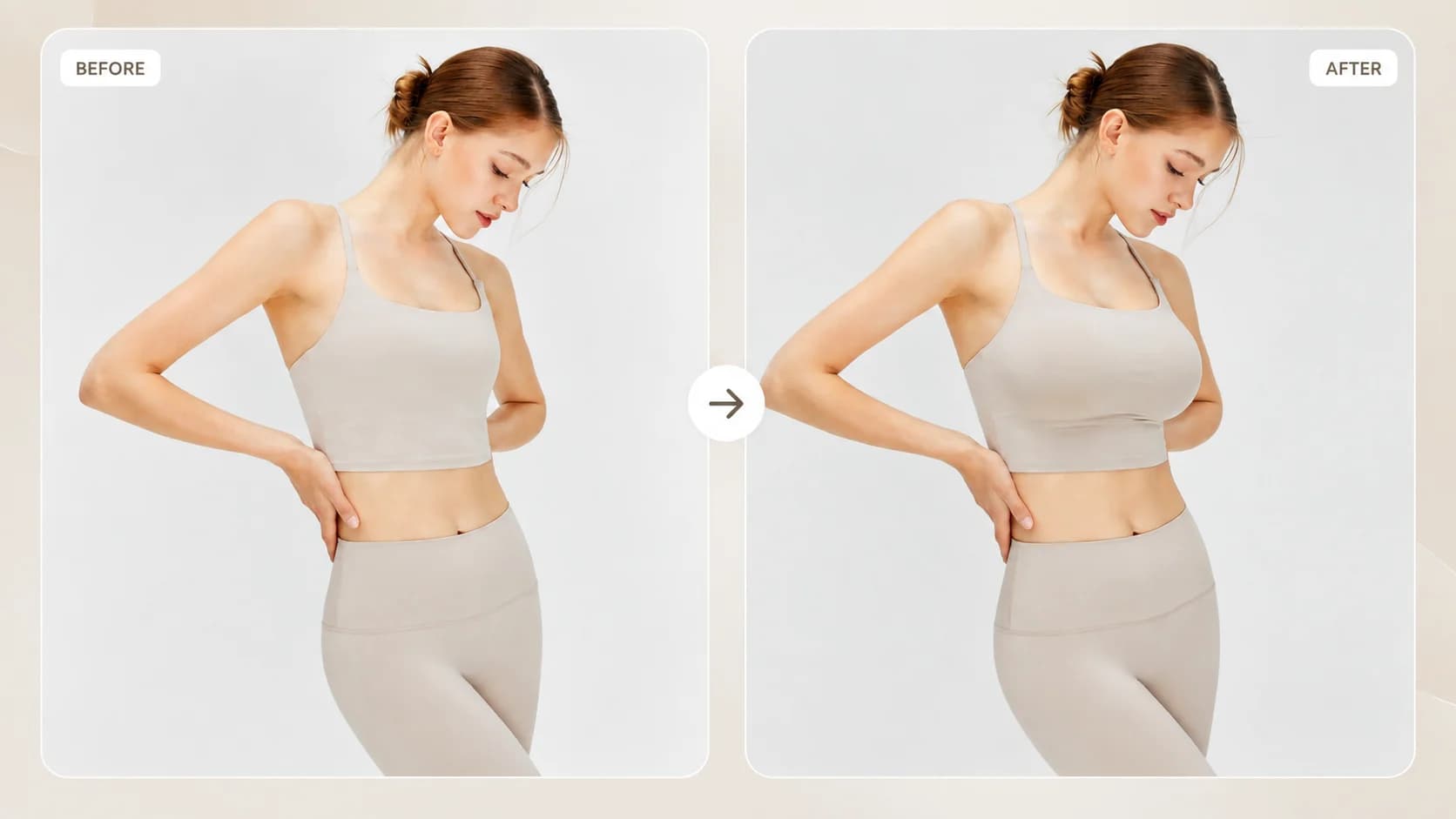
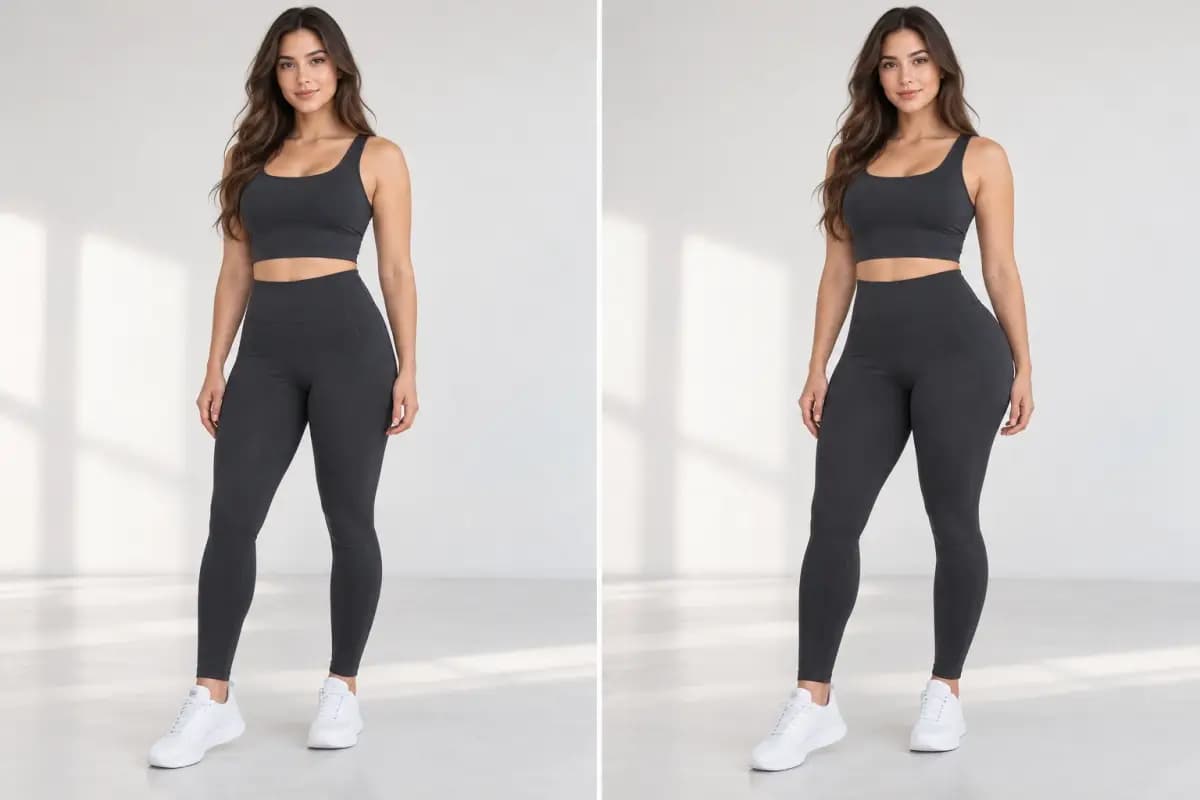
Browse examples to see how a fuller hip and butt outline can change the visual balance of a pose and body shape.
HOW IT WORKS
Start from a covered portrait and review a generated silhouette edit in a few steps.
Upload a well-lit image where the hip outline is easy to see. The AI Big Ass editor needs a clear view of the pose to create a useful visual comparison.
Run the AI Big Ass filter to create an edited version centered on the lower-body outline while retaining the broader scene.
Compare the preview with your uploaded image and download the version that best fits your creative direction.
01
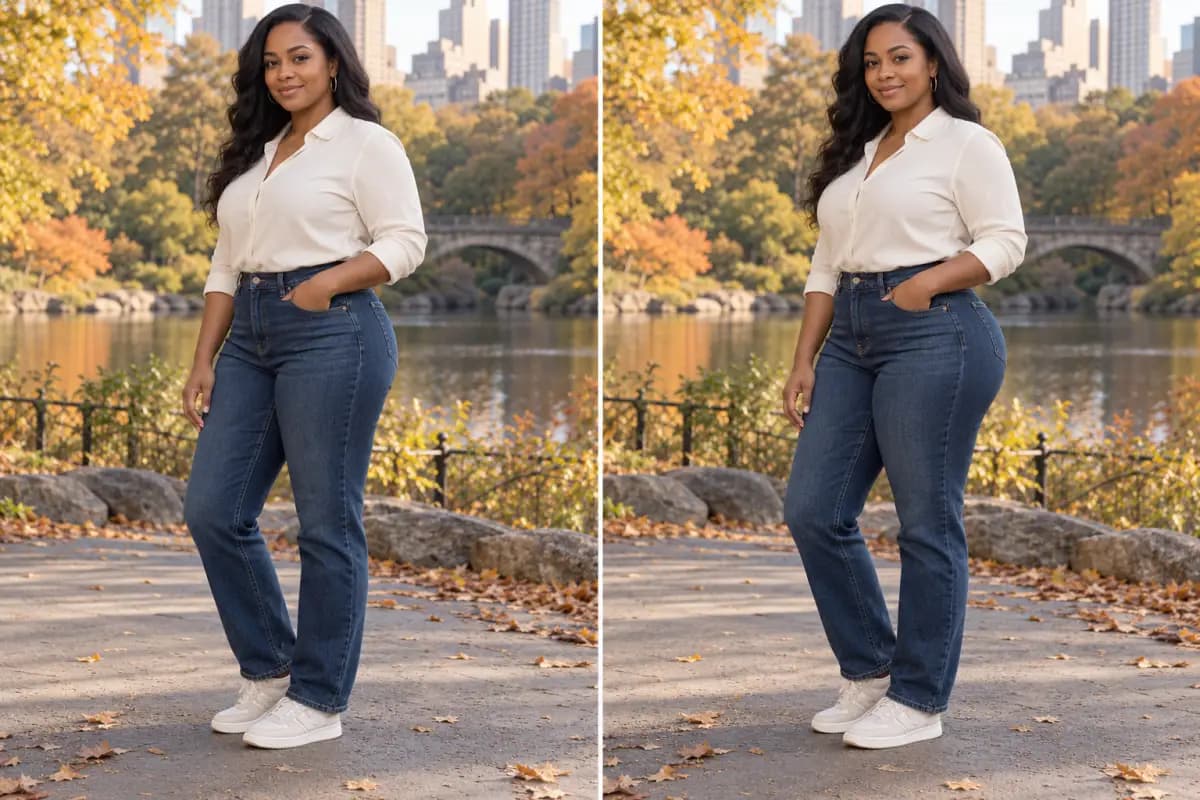
AI Big Ass creates a visual variation around the hip and butt outline in your photo. Explore a rounder, more pronounced shape while keeping the original pose and framing recognizable, then compare the result with your source image.
02
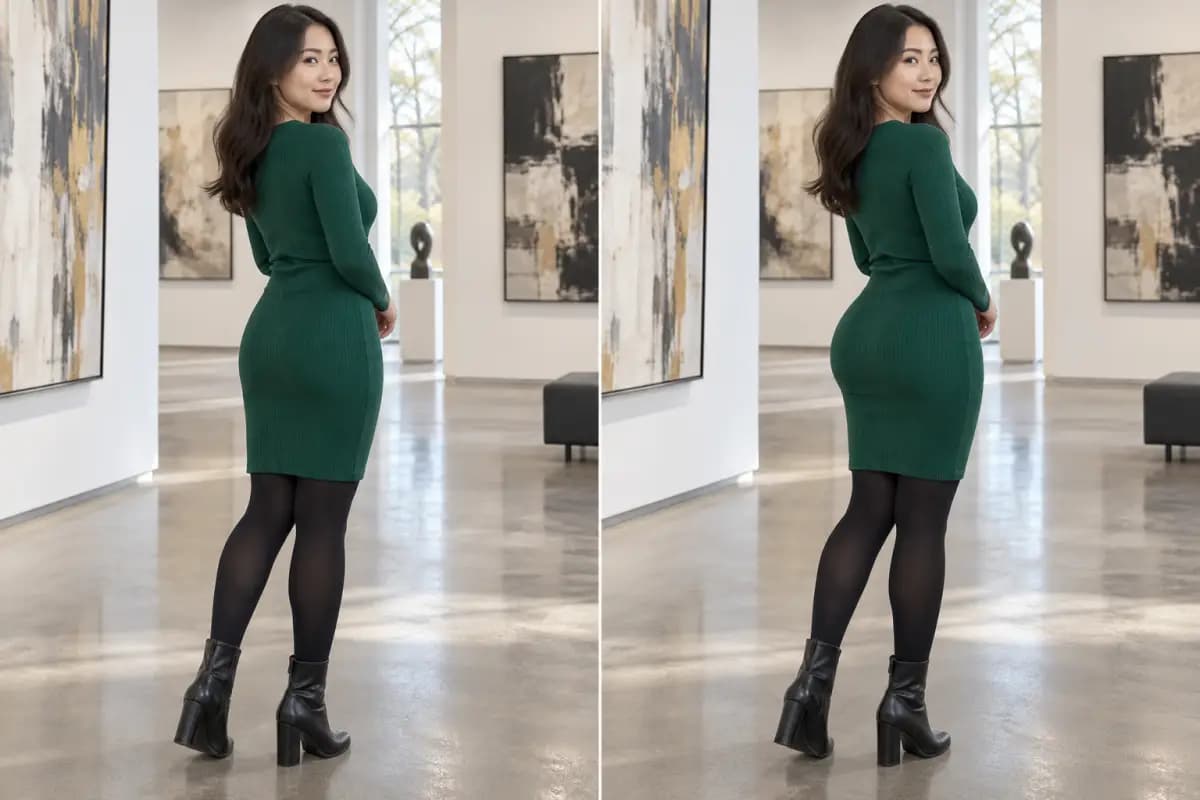
For a clear AI Big Ass result, use a non-explicit photo of one person with even light and enough room around the hip outline. Busy backgrounds, strong shadows, and cropped hips can make the shape comparison harder to read.
03
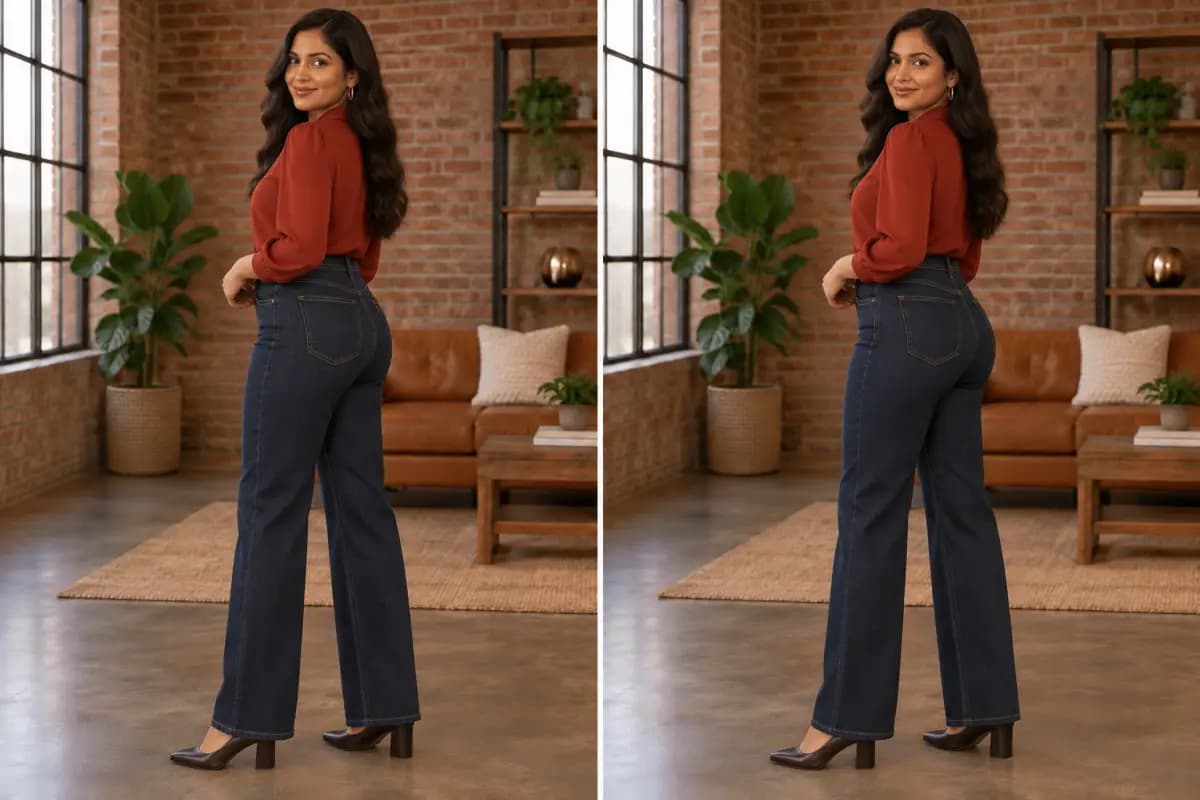
The result is influenced by the original stance, image perspective, and surrounding scene. Review the full image rather than judging one contour alone; this visual concept is not a physical body measurement or a guaranteed change.
View Products
FAQ
It is a photo-editing effect that creates a fuller-looking hip and butt shape. The change is visual and intended for creative exploration.
The edit focuses on the lower-body outline, though pose, lighting, and background can affect nearby pixels. Check the complete before-and-after image for artifacts.
Use appropriate, non-explicit photos where the hip area is visible. The feature is intended for body-shape editing, not nude or sexual content.
No. AI Big Ass is a visual image effect, not a body simulator, health assessment, or fitness prediction.
The starting pose, lighting, crop, and background all shape the generated result. A clear image with an unobstructed outline usually makes comparison easier.